Quick Facts
- Top Standard: Gridfinity is the industry leader for modular 3D printed USB organizers.
- Best Material: Use PETG for under-desk mounts due to its superior heat resistance.
- Cost: Most desktop organization projects cost less than $5 in filament.
- Community Sources: Printables and MakerWorld host the highest quality tested designs.
- Core Benefit: Custom prints prevent cable fraying and protect expensive hardware ports.
- Expansion Tip: Always design or download bins with 20% more capacity than your current inventory.
3D printed USB organizers provide highly customizable solutions for USB cable management, including universal cable savers that reinforce weak connection points and modular bins that help prevent fraying and tangling. By moving away from generic mass-produced trays, you can utilize bespoke designs that fit your specific workspace layout and peripheral collection perfectly.
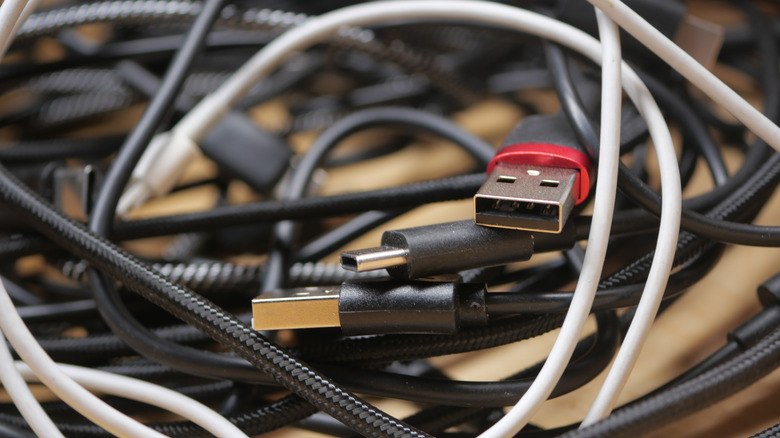
We have all been there. You reach into a desk drawer looking for that one specific USB-C to DisplayPort adapter, only to pull out a bird’s nest of tangled wires and loose dongles. It is more than just a visual mess; it is a productivity killer. A survey of 2,000 office workers found that 84% of respondents feel more productive when their workspace is organized, and they believe that improved organization could increase their productivity by as much as 38%.
The beauty of living in the current era of desktop fabrication is that we no longer have to rely on "one size fits all" solutions. In 2024, entry-level 3D printers accounted for 48% of global 3D printing revenues, surpassing industrial systems for the first time. This shift means that high-quality, functional 3D prints are now accessible to any professional looking to reclaim their desk surface.
1. Modular Gridfinity Bins for USB & SD Storage
If you spend any time in the maker community, you have likely heard of Gridfinity. Created by Zack Freedman, this open-source system has become the gold standard for workspace organization. The concept is simple: a standardized grid plate sits at the bottom of your drawer or on your desk, and modular bins snap into place.
These 3D printed USB organizers are particularly effective for digital storage organization. Because USB drives and SD cards come in so many different shapes, a standard tray usually results in wasted space. Gridfinity allows you to print 1x1 or 1x2 bins specifically measured for your hardware. You can find specialized Gridfinity USB dongle storage bins for desk drawers that feature vertical slots, allowing you to see the labels on every drive at a glance.
Why Modularity Matters
The biggest advantage here is future-proofing. When you buy a new set of high-speed flash drives, you don't need to replace your entire storage system. You simply print a new modular 3D printed desk tray for USB drives and SD cards and swap it into your existing grid. This ecosystem effectively turns your messy drawer into a high-density index of your digital life.
Pro Tip: Look for designs by community members on Printables who have optimized the "weighted" versions of Gridfinity bins. Adding a few pennies or large nuts to the base of the bin before the print finishes gives them a premium, heavy feel that prevents them from sliding around.
2. Under-Desk USB Hub Mounts
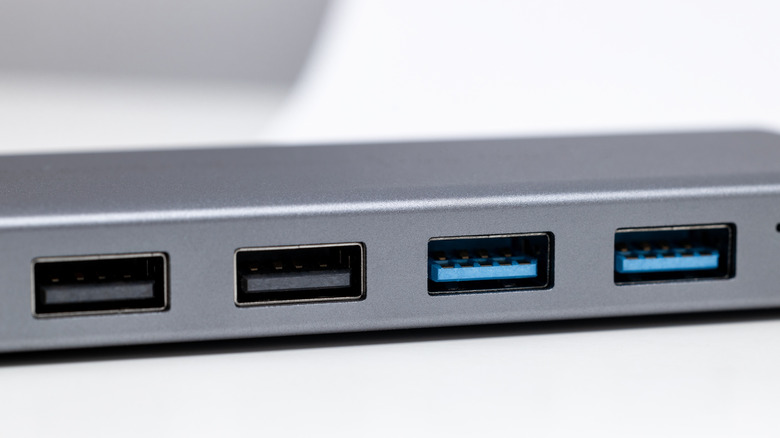
One of the biggest contributors to desktop clutter is the external USB hub. While essential for laptop users and PC builders with limited front-panel I/O, these hubs often dangle off the side of the desk, putting mechanical stress on the host cable and taking up valuable surface area.
Implementing under desk 3D printed USB hub mount solutions is one of the most effective ways to achieve a professional-looking home office. By moving the hub to the underside of the desk, you clear the surface while keeping the ports within easy reach. This is especially useful for hiding desk wires with 3D printed underware cable organizers that route the main "trunk" of your cables away from your legs and out of sight.
Engineering for Heat and Stability
When printing a mount for a USB hub, you must consider thermal management. Many high-speed USB 3.2 hubs get surprisingly warm during data transfers. If you use standard PLA filament, the heat from the hub combined with the constant mechanical tension of plugging and unplugging devices can cause the plastic to warp or sag over time.
For this reason, I always recommend using PETG filament for any under-desk mounting projects. PETG has a higher glass transition temperature than PLA, meaning it won't soften under the heat of your electronics. Additionally, when mounting these, use 3.5mm self-tapping screws rather than adhesive tape if your desk material allows it; the constant pull of removing USB cables will eventually defeat even the strongest double-sided foam tape.
3. Custom Cable Savers and Port Protectors
Cables are often the weakest link in a computing setup. The point where the wire meets the USB plug is a common failure zone, leading to fraying and intermittent connections. Buying new cables every few months is wasteful and expensive.
You can significantly extend the lifespan of your peripherals by using 3D printed USB-C cable protectors to prevent fraying. These small, spiral-shaped or clip-on prints act as a strain relief, redistributing the mechanical stress of bends over a wider area of the cable. While rigid PLA can work for some designs, this is the perfect opportunity to experiment with flexible TPU. TPU's rubber-like properties allow the protector to grip the cable tightly while still allowing it to flex naturally without snapping.
Protecting Your Ports
Beyond the cables themselves, your hardware ports are vulnerable to dust and debris, especially if you have a PC tower sitting on the floor. Printing a set of simple dust covers for your unused USB-C or HDMI ports is a five-minute project that can prevent long-term connectivity issues. These small functional 3D prints are far cheaper than buying a pack of silicone plugs online and can be color-matched to your case for a clean, integrated look.
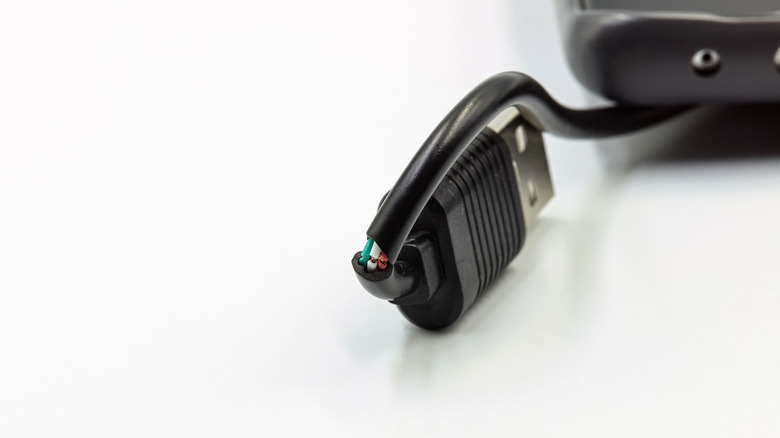
DIY 3D printed USB cable management for home office setups isn't just about fixing what is broken; it is about preventative maintenance. A simple cable winder or a stackable winder designed for thick braided cables can keep your spare wires organized in a way that prevents the internal copper from kinking.
4. Material and Print Settings for Utility
When you are printing for utility rather than aesthetics, your settings need to change. Most decorative prints prioritize layer height and surface finish, but for workspace ergonomics and peripheral management, you need to focus on structural integrity and tolerances.
When designing or downloading 3D printed desk utility projects, keep the 20-30% growth buffer logic in mind. Plastic shrinks slightly as it cools, and USB ports have very tight tolerances. If a designer provides a "tight fit" model, you may need to scale it up by 1% or 2% depending on how well-calibrated your printer is.
PLA vs. PETG: Which Should You Use?
| Feature | PLA | PETG | TPU |
|---|---|---|---|
| Ease of Use | Very High | Medium | Medium-Low |
| Heat Resistance | Low (approx. 60°C) | Medium (approx. 80°C) | Low |
| Rigidity | High (Brittle) | Medium (Tough) | Very Low (Flexible) |
| Best Application | Drawer bins, trays | Under-desk mounts, clips | Cable savers, feet |
For most desktop decluttering tasks, PLA filament is perfectly fine. It is easy to print, comes in every color imaginable, and is rigid enough for trays and bins. However, if your print will be under constant tension (like a spring-loaded cable clip) or exposed to heat (like an under-desk mount near a PC exhaust), PETG is the superior choice.
Technical Tip: When printing USB slots or holders, try to orient the model so that the slots are at a 45-degree angle or printed vertically. This often removes the need for support structures, which can be difficult to clean out of small USB-sized holes and can ruin the internal tolerances of the print.
The 3D printing community is incredibly active in this space. A recent design competition focused on organization attracted nearly 1,200 entries, showing that desk organizers and cable management systems are among the most popular categories for makers worldwide.
FAQ
What are the best 3D printed USB organizers?
The best organizers depend on your specific needs, but Gridfinity modular bins are the top choice for drawer organization. For desktop surface management, under-desk hub mounts and cable savers are the most effective at reducing visible clutter and protecting your hardware.
What is the best filament for 3D printing desk organizers?
PLA is the best all-around filament for desk trays and drawer inserts because it is easy to print and very rigid. However, if you are printing mounts that will be near heat sources or cable savers that need to flex, PETG or TPU are better choices due to their higher heat resistance and flexibility.
Where can I find STL files for USB cable management?
The best repositories for high-quality, community-tested files are Printables and MakerWorld. These sites often feature user reviews and photos of the finished prints, which helps you verify if the tolerances are correct before you start printing.
Are 3D printed USB holders worth it?
Yes, they are significantly more economical and flexible than mass-produced plastic organizers. You can scale the designs to fit your exact number of devices and choose colors that match your workspace, something that is rarely possible with store-bought accessories.
Can I 3D print a USB organizer without support structures?
Many organizers are designed specifically to be "support-free." Look for models that use 45-degree chamfers or vertical orientations. If a design requires supports for a small USB slot, it may be difficult to remove the material afterward, so choosing a support-free design is always recommended for beginners.
Whether you are looking to hide messy wiring or simply want a better way to store your SD cards, 3D printing offers a level of customization that traditional retail cannot match. By choosing the right materials and utilizing proven community designs like Gridfinity, you can transform your workspace into a professional, high-performance environment. Visit MakerWorld or Printables today to find these STLs and start your journey toward a clutter-free desk.