Quick Facts
- Environmental Impact: Only 22% of e-waste is formally recycled; repurposing is key to sustainability.
- Retro Market Value: The global retro gaming console market is projected to reach $4.18 billion by the end of 2026.
- Top Media Pick: Xbox 360 and PS3 remain excellent nodes for DLNA or Plex streaming.
- Best Handheld Mod: Use a PS Vita with the Vitaki app for high-speed PS5 remote play.
- Budget Productivity: A PS4 on Firmware 9.0 can run Linux distributions like Manjaro via the PPPwn exploit.
- Retro Hub King: The Nintendo 3DS with Luma3DS CFW is the ultimate portable for legacy gaming.
- Essential Accessory: Use a McBasil GBSC or RetroTink upscaler to prevent input lag on 4K TVs.
You can effectively repurpose old consoles by converting them into dedicated home media centers using Plex, installing Linux on PlayStation 4 systems for productivity, or utilizing handhelds like the PS Vita for high-speed PS5 remote streaming. By adopting these projects, you contribute to a more sustainable tech ecosystem while breathing new life into legacy gaming systems.
As we reach mid-2026, the global electronic waste crisis has reached a staggering milestone. Experts predict that global electronic waste is projected to reach 82 million metric tons by 2030, a sobering figure given that only about 22% of such waste is currently recycled formally. For gamers, this isn't just an environmental statistic; it is a call to action. Instead of letting your old hardware gather dust or end up in a landfill, you can join the millions of people finding new utility in their "obsolete" gear.
The timing couldn't be better. The global retro gaming console market is projected to reach a valuation of $4.18 billion by the end of 2026, growing at a rate that is actually faster than the broader gaming hardware industry. Furthermore, approximately 26.7 million Americans now actively engage in retro gaming, representing roughly 14% of the total United States gaming population. Whether you are a casual player looking to save a few dollars or a technical modder seeking a weekend project, here are five clever ways to keep your old consoles in the game.
1. The Home Entertainment Hub: Xbox 360 and PS3
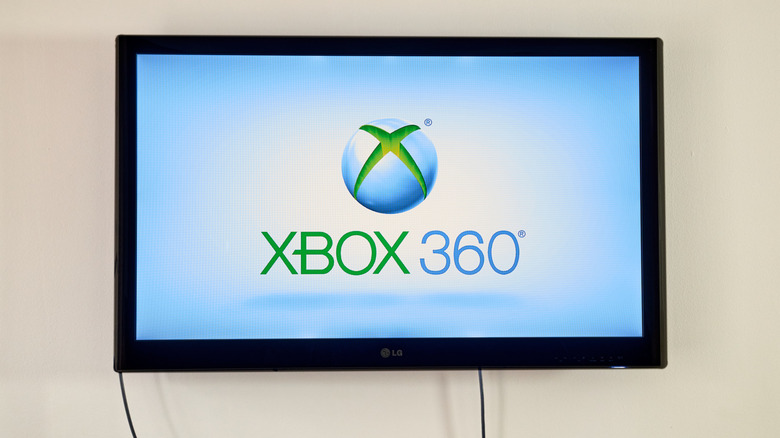
If you have an old Xbox 360 or PlayStation 3 sitting in the closet, you already own a surprisingly capable multimedia hubs device. While these consoles may no longer support the latest AAA titles, their built-in support for DLNA Media Server protocols makes them perfect for secondary rooms like a guest bedroom or a home gym.
The Xbox 360, in particular, excels as a low-cost Plex client. By using the Plex app (or simply navigating through the system video player), you can stream high-definition video and audio content directly to your television. This allows you to offload the streaming duties from your main smart TV or expensive streaming stick. Because these consoles were designed to handle 1080p video output natively, they provide a smooth playback experience for your local digital library.
For those with a PlayStation 3, the console remains one of the few legacy devices that still handles Blu-ray playback with high-end audio fidelity. By connecting it to your local network, you can transform it into a dedicated node for your home server. It is a cost-effective way to get high-def content onto an older screen without spending a dime on new hardware.
2. PS4 Productivity: The Linux Desktop Transformation
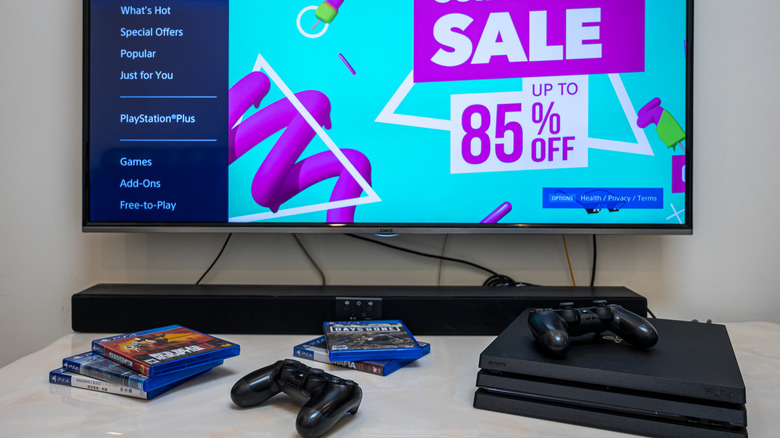
The PlayStation 4 was essentially a mid-range PC even at launch, featuring an x86 architecture. In 2026, technical modders have found ways to unlock this potential fully. By utilizing firmware exploits such as the PPPwn GUI exploit, you can transform an old PlayStation 4 into a functional Linux PC for basic productivity.
The sweet spot for this project is Firmware 9.0. Once the system is jailbroken, you can install specialized Linux distributions such as Manjaro or CachyOS. These operating systems are optimized to run on the PS4’s APU, providing a desktop environment that feels remarkably snappy.
Technical Warning: Installing Linux requires your console to be on a specific firmware version (usually 9.0 or lower) and involves using a jailbreak. This will void any remaining warranty and prevent access to official PlayStation Network services. Always back up your data before attempting a firmware exploit.
Once the transformation is complete, your PS4 becomes a secondary workstation. You can use it for web browsing, word processing, or even light photo editing using GIMP. It is a fantastic way to give a "base" PS4 model a second life as a dedicated student computer or a distraction-free writing station. Because it supports standard USB keyboards and mice, the transition from console to PC is seamless.
3. Handheld Evolution: Remote Play and Beyond
Handheld consoles are perhaps the easiest devices to repurpose old consoles because their integrated screens and batteries make them highly versatile. If you have a PS Vita, you are sitting on one of the most underrated pieces of tech in gaming history.
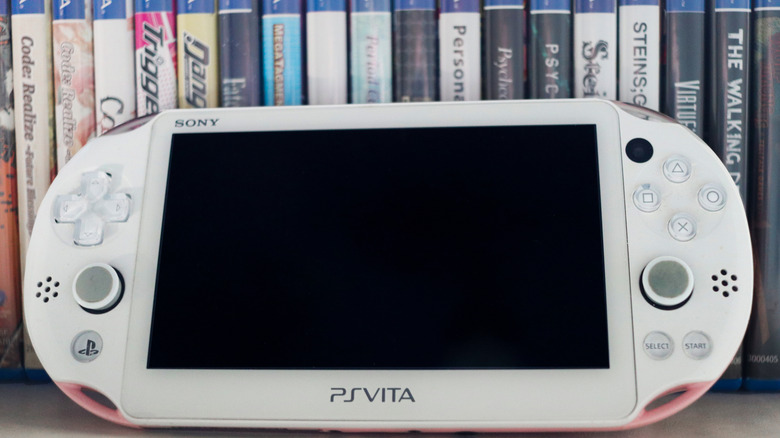
With the rise of the PlayStation Portal, many have forgotten that the PS Vita can perform almost the exact same function. By using custom firmware and a homebrew application called Vitaki, you can turn your Vita into a remote play device for streaming PlayStation 5 games. While the official app had limitations, Vitaki uses modernized protocols to ensure a stable, low-latency stream. It’s a great way to play your PS5 in bed without dropping $200 on a new handheld.
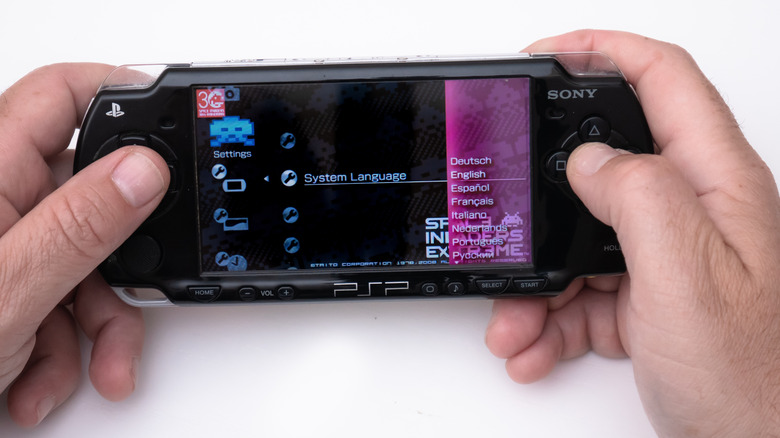
Even the older PSP has a unique retirement plan. By installing the FuSa Gamepad plugin, you can repurpose a PSP as a spare PC controller. When connected via a standard USB connection, the PC recognizes the PSP as a standard input device. It is surprisingly comfortable for 2D platformers and retro titles on your computer, giving you a high-quality D-pad that rivals many modern third-party controllers.
4. The All-in-One Retro Gaming Hub (3DS & N64)
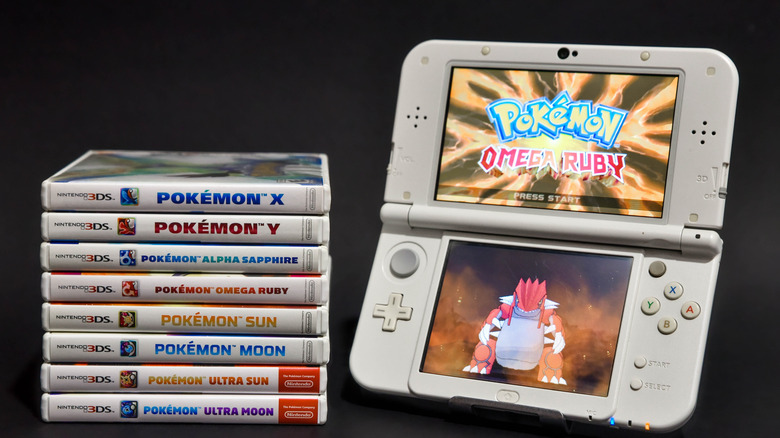
The homebrew community has made massive strides in digital preservation over the last few years. To convert a Nintendo 3DS into a comprehensive retro gaming hub, you simply need to install custom firmware such as Luma3DS. This enables the handheld to run classic software from across decades of gaming history.
Using frontends like RetroArch, your 3DS can emulate everything from the original Game Boy and Sega Genesis to the PlayStation 1. The dual-screen setup of the 3DS is particularly perfect for emulating older Nintendo systems, as you can keep the menu or map on the bottom screen while the action stays on top. This project effectively consolidates your entire childhood library into a single portable device.
For home consoles like the N64, repurposing usually involves a mix of original hardware and modern storage. Using flash carts allows you to run your entire library of legally backed-up games from a single SD card. This reduces the wear and tear on your original cartridges and makes your retro setup much cleaner. It is all about maintaining that authentic feel while taking advantage of modern digital conveniences.
5. Bridging the Gap: Connecting to Modern 4K Displays
One of the biggest hurdles when you repurpose old consoles is the visual quality. If you plug a Nintendo GameCube or a PS2 directly into a modern 4K TV, the image will likely look blurry and suffer from significant input latency. This is where hardware modding and high-quality upscalers come into play.
To get the most out of your legacy gaming systems, you should avoid the cheap £15 HDMI converters found on mass-market sites. These often introduce massive lag, making games like Mario or Street Fighter nearly unplayable. Instead, look into dedicated upscalers like the McBasil GBSC or the RetroTink 5X. These devices take the original analog signal and line-double it to 1080p or even 4K with near-zero latency.
| Device Type | Average Input Latency | Visual Quality | Best Use Case |
|---|---|---|---|
| Generic HDMI Dongle | 80ms - 120ms | Poor / Blurry | Casual testing only |
| McBasil GBSC | <1ms | Excellent | 6th Gen consoles (PS2/GC/Wii) |
| RetroTink 5X/4K | <1ms | Reference Grade | Professional setups / All legacy |
| Internal HDMI Mod | 0ms | Perfect | Dedicated enthusiasts |
By investing in a proper upscaler, you ensure that your repurposed consoles look as good as you remember them. It bridges the gap between old-school hardware and modern display technology, making your retro gaming hub the centerpiece of your living room.
FAQ
What can I do with old gaming consoles?
You can repurpose them into media centers, retro emulation hubs, or even basic Linux PCs. Handhelds can be used as remote play devices for modern consoles or as secondary PC controllers. These projects extend the life of your hardware and help reduce environmental waste.
How do I turn an old console into a media center?
Consoles like the Xbox 360 and PS3 have built-in DLNA support. You can install the Plex app or use the system’s media player to stream movies and music from a local home server or PC. This turns the console into a dedicated streaming node for your TV.
Can you install Linux on an old game console?
Yes, particularly on the PlayStation 4. If your system is on a compatible firmware version (like 9.0), you can use exploits to install Linux distributions such as Manjaro. This allows the console to function like a desktop computer for web browsing and office tasks.
How do I repurpose a console for retro gaming?
The most common method is installing custom firmware, such as Luma3DS for the Nintendo 3DS. This allows you to run emulation software like RetroArch, which can play games from multiple legacy platforms like the Game Boy, NES, and Sega Genesis on a single device.
What is the best way to recycle old gaming hardware?
The best way is to repurpose it yourself to keep it out of the waste stream. If the hardware is broken beyond repair, look for certified e-waste recyclers who can properly handle the materials. Since only about 22% of e-waste is formally recycled, giving your console a second life through modding is the most eco-friendly choice.