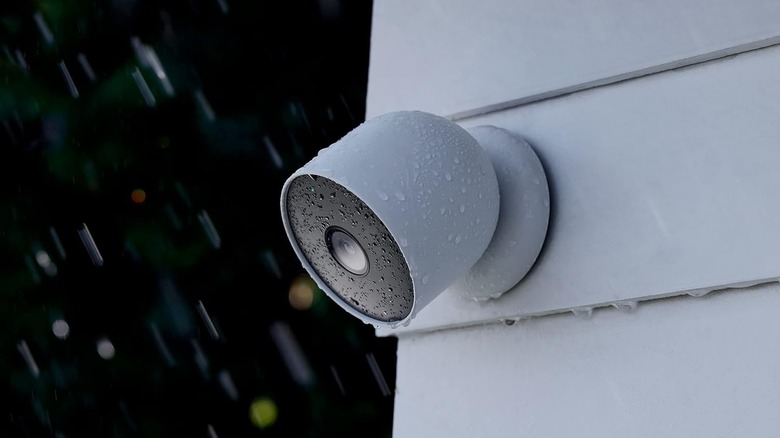
Quick Facts
- Top Diagnostic Tool: Digital Multimeter (essential for testing 24V C-wire and doorbell transformers)
- Best Hub Standard: Matter 1.5/Thread 1.4 (required for native security camera integration in 2026)
- Market Insight: The retrofit segment, covering DIY upgrades, is expected to account for 51.18% of the total market share by 2026
- Network Tip: Implement a VLAN configuration for IoT cybersecurity to isolate smart devices from personal data
- Energy Strategy: Use smart plugs and luminance level sensors to reduce phantom power draw and automate lighting efficiency
- Installation Effort: Most 2026 projects range from 1/5 stars (plugs) to 3/5 stars (thermostats/wiring)
The best DIY smart home tools for 2026 prioritize Matter 1.5 interoperability and easy diagnostic testing. Beginners should start with a digital multimeter for voltage checks, a Matter-compatible hub like the Amazon Echo Hub, and versatile smart sensors for proactive automation. These tools ensure a reliable foundation for home automation without professional wiring.
The global smart home market is projected to reach a valuation of approximately $164.13 billion in 2026, and if you are among the millions of homeowners looking to upgrade, the focus has shifted from "can I control this with my phone" to "does this work seamlessly with everything else?" As we head into 2026, the DIY landscape is no longer about struggling with incompatible apps; it is about building a robust, secure infrastructure using the right diagnostic and connectivity tools.
1. The Diagnostic Must-Have: Digital Multimeter
Installation Effort: ★★★☆☆
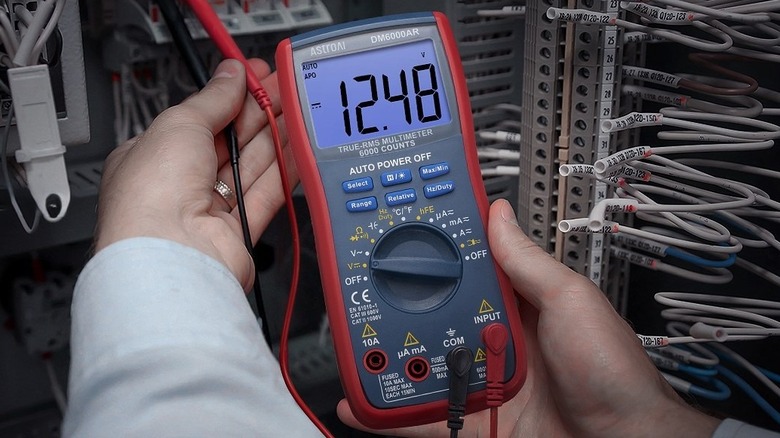
Before you even unbox a new thermostat or video doorbell, you need to understand the electrical lifeblood of your home. A digital multimeter is perhaps the most overlooked of all DIY smart home tools, yet it is the most critical for safety and hardware longevity. When you are performing a smart home installation, your primary goal is to verify that your existing wiring can handle the power demands of modern electronics.
For smart thermostat installation, you must confirm the presence of a 24V C-wire. Many older homes have wires that look correct but fail to deliver the constant 24V required to keep a Wi-Fi-connected screen alive. Similarly, video doorbells often fail because the existing doorbell transformer provides insufficient voltage. A multimeter allows you to check for the required 16-24V AC range at the door frame. If your transformer is only putting out 10V, your expensive new camera will constantly reboot or fail to connect to Wi-Fi.
Prerequisite Checklist: Electrical Prep
- Turn off power at the breaker before touching any exposed wires.
- Set your multimeter to AC voltage (typically denoted as V~).
- Identify the transformer location (often in the basement or near the electrical panel).
- Verify that the HVAC system is compatible with low-voltage digital controls.
Knowing how to use a multimeter for smart thermostat installation saves you from the frustration of a "dead on arrival" device that simply is not getting the juice it needs. By performing circuit testing early, you ensure that your transformer voltage matches the manufacturer specifications, preventing long-term damage to the internal batteries of your gadgets.
2. The Network Backbone: Wi-Fi 6 Mesh & VLAN Configuration
The secret to a frustration-free smart home in 2026 is not the devices themselves, but the invisible network that carries their data. As you add more essential smart home gadgets to your collection, a standard router provided by your ISP will likely buckle under the pressure. High device density leads to latency, dropped connections, and "device offline" notifications.
To future-proof your setup, your diy smart home installation checklist for 2026 projects must include an upgrade to a Wi-Fi 6 or Wi-Fi 6E Mesh system. Mesh networks use multiple nodes to blanket your home in a consistent signal, ensuring that a backyard security camera has the same bandwidth as the hub in your living room.
However, connectivity is only half the battle; the other half is IoT cybersecurity. In 2026, savvy DIYers are using network segmentation. By setting up a VLAN configuration (Virtual Local Area Network), you can keep your smart toasters and light bulbs on a separate "island" away from your laptops and NAS drives. This ensures that if a cheap smart plug is compromised, the intruder cannot jump over to your private computer to steal bank details. Most modern prosumer mesh systems now offer a "Guest Network" or a dedicated "IoT Network" toggle that handles this segmentation automatically, making it an accessible step for smart home automation for beginners.
3. The Central Controller: Matter 1.5 Compatible Hubs
Installation Effort: ★★☆☆☆
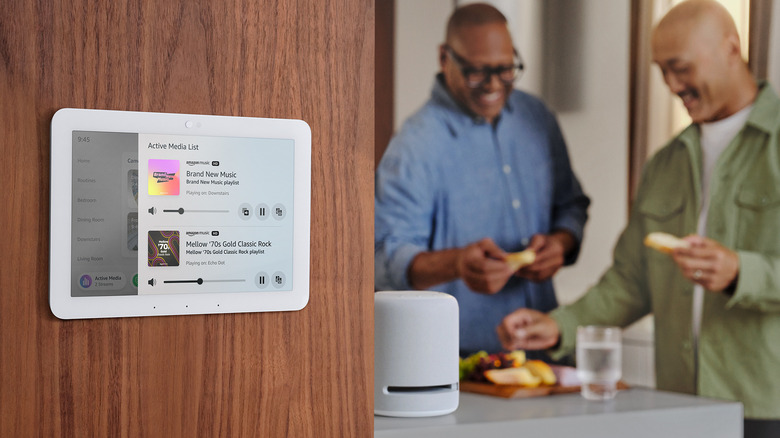
In previous years, you had to choose an ecosystem—Apple, Google, or Amazon—and stick to it. In 2026, the Matter protocol has finally matured into version 1.5, which brings native support for complex devices like security cameras and advanced energy management systems. This means the best diy smart home tools for beginners 2026 are those that act as a universal translator.
A Matter-compatible hub, such as the Amazon Echo Hub or a Samsung SmartThings Station, serves as the brain of your home. These controllers use Thread networking, a low-power mesh protocol that allows devices to talk to each other directly without always needing to go through the cloud. This results in lightning-fast response times. When you walk into a room, the light should turn on instantly, not three seconds later.
| Feature | Matter 1.5 (2026 Standard) | Older Proprietary Standards |
|---|---|---|
| Interoperability | Native across all major brands | Requires brand-specific bridges |
| Security Support | Includes native security cameras | Cloud-dependent or proprietary |
| Energy Management | Advanced reporting and optimization | Limited or basic |
| Local Control | Functions without internet | Often requires cloud access |
The benefits of matter compatible smart home hubs for families are centered around simplicity. You no longer need to check if a bulb says "Works with Alexa" or "Works with HomeKit." If it has the Matter logo, it works. This reduces the "tech support" burden on the family's resident tinkerer and ensures that the system remains functional even if your internet service provider has an outage.
4. The Automation Layer: Multi-Sensors for Proactive Routines
Installation Effort: ★★☆☆☆
The ultimate goal of a smart home is to stop using your phone to control things. If you have to pull out a device, unlock it, and open an app to turn on a lamp, you haven't made your home smart; you've just made it more complicated. True automation relies on occupancy sensing and light detection.
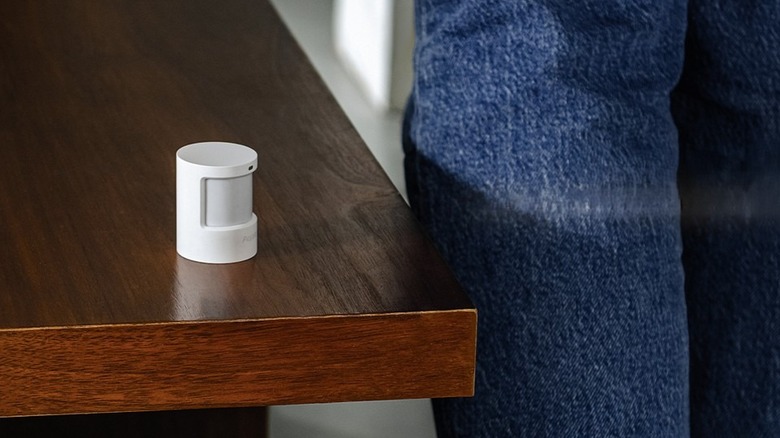
Multi-sensors are small, battery-powered tools that monitor their environment. By automating indoor lighting with smart motion sensors and light detection, your home can react to your presence and the time of day. For example, if the sensor detects that the luminance level in the living room has dropped below 20 lux while the occupancy sensing shows you are on the couch, the lamps can dim to a "Movie Night" scene automatically.
In 2026, these sensors have moved beyond simple infrared motion detection. New millimeter-wave (mmWave) sensors can detect the rise and fall of a human chest, meaning they know you are in the room even if you are sitting perfectly still reading a book. This eliminates the "dark bathroom" problem where lights turn off because you haven't moved enough. Integrating these sensors is a core part of creating a seamless smart home experience that feels like magic rather than a chore.
5. The Value Connector: Versatile Smart Plugs
Installation Effort: ★☆☆☆☆
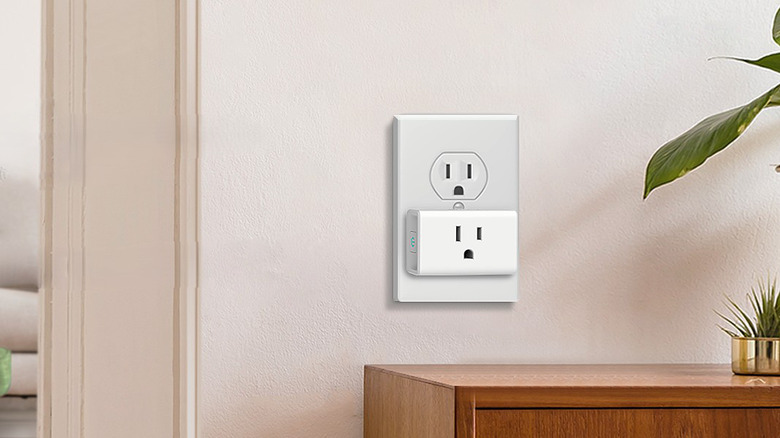
Not everything in your home needs to be replaced to become "smart." Some of the most effective DIY smart home tools are those that bridge the gap between old and new. Smart plugs, particularly budget-friendly options like the Kasa series, are the unsung heroes of retrofitting appliances.
A budget friendly smart home setup using smart plugs and voice assistants allows you to integrate legacy devices—like a vintage floor lamp, a high-velocity fan, or a coffee maker—into your broader ecosystem. In 2026, these plugs do more than just toggle power; many now feature advanced energy monitoring. You can track exactly how much electricity your space heater is consuming and set a routine to shut it off if it exceeds a certain cost threshold or if no motion is detected in the room for thirty minutes.
For renters, smart plugs are essential because they require zero permanent modifications. You get the benefits of device interoperability and sophisticated scheduling without ever touching a screwdriver or worrying about a security deposit. They are the "gateway drug" of smart home automation for beginners because the ROI is immediate and the risk is zero.
Summary of the 2026 DIY Approach
Building a smart home in 2026 is an exercise in choosing tools that respect your time and your data. By starting with a digital multimeter for electrical safety, securing your infrastructure with a VLAN, and embracing the Matter protocol through centralized hubs and sensors, you create a system that is modular and resilient. This approach allows you to scale your project at your own pace, ensuring each new addition strengthens the network rather than cluttering it.
FAQ
What are the essential tools for DIY smart home installation?
The most essential tools include a digital multimeter for electrical testing, a Wi-Fi 6 mesh router for stable connectivity, and a Matter-compatible hub to act as the central brain. Basic hand tools like a non-contact voltage tester and a set of precision screwdrivers are also necessary for mounting sensors and replacing switches.
Can I set up a smart home system without professional help?
Yes, modern smart home technology is designed for DIY installation. With the advent of the Matter protocol and battery-powered sensors, most devices can be configured via a smartphone app in minutes. However, if a project involves high-voltage wiring beyond simple switch replacement, consulting a licensed electrician is always recommended.
What is the easiest smart home platform for beginners?
In 2026, platforms that support Matter 1.5, such as Amazon Alexa or Apple Home, are the easiest for beginners because they offer a plug-and-play experience. These platforms handle the technical backend of Thread networking automatically, allowing users to focus on setting up routines rather than troubleshooting connections.
Do DIY smart homes require a central hub?
While many individual devices can connect directly to Wi-Fi, a central hub is highly recommended for a cohesive experience. A hub allows for local processing, meaning your automations will work even if the internet goes down, and it provides a single interface to manage devices from multiple different manufacturers.
Is it safe to install smart home devices yourself?
Installing battery-powered sensors, smart plugs, and hubs is perfectly safe. For hardwired devices like thermostats and doorbells, it is safe as long as you use a multimeter to verify voltages and turn off the power at the circuit breaker. Always follow the manufacturer’s instructions and local building codes.