Quick Facts
- Top Choice for Pro: Android 16 on Foldables provides the ultimate productivity canvas.
- AI Advantage: Gemini Intelligence introduces proactive Magic Q for automated scheduling and research.
- Budget Pro Choice: The Pixel 10a at $499 offers professional-grade AI features compared to the $599 iPhone 16e.
- 2026 Innovation: Aluminium OS merges ChromeOS and Android for a seamless desktop-mobile experience.
- Open Ecosystem: Persistent support for sideloading and third-party launchers remains a core differentiator.
- Market Dominance: As of early 2026, Android holds a global smartphone market share of approximately 70.8% to 72%, providing a vast hardware ecosystem.
Android 16 enhances multitasking for Android power users through reactive UI redesigns and split-screen windowing, allowing for a level of efficiency that traditional mobile operating systems struggle to match. High-end devices and foldables support advanced modes like Samsung DeX, transforming smartphones into desktop workstations, while the open file system enables granular control over storage for complex professional workflows.
1. Hardware Diversity and Multi-Window Multitasking
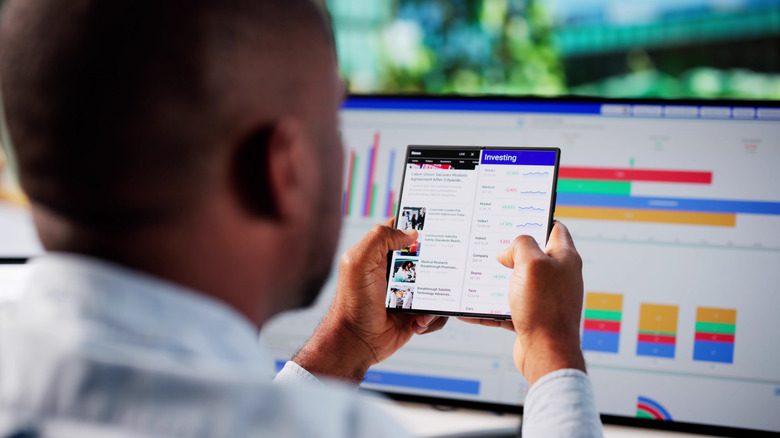
For years, the smartphone market was defined by the glass slab, but 2026 has solidified the dominance of alternative form factors. Android power users are increasingly gravitating toward the Samsung Galaxy Z Fold 7 and the emerging category of TriFold devices. These handsets are not just larger screens; they are fundamentally different tools that leverage Android 16 multitasking features to provide a desktop-like experience.
While the iPhone remains tethered to a static, single-window philosophy with limited Stage Manager capabilities, Android has embraced a philosophy of hardware diversity. This allows users to choose a device that fits their specific ergonomic and professional needs. On a foldable, split-screen windowing is not just a secondary feature; it is the primary way of interacting with the OS. You can have a video call on the top half, a document editor on the bottom left, and a web browser on the bottom right.
Android 16 multitasking features for productivity have been refined to include reactive UI elements that automatically resize app assets based on the window geometry. This prevents the awkward scaling issues seen in earlier versions. For those seeking the best Android foldables for multitasking in 2026, the integration of a persistent taskbar and drag-and-drop functionality between apps has made the mobile office a reality.
2. Desktop-Mobile Convergence: The Aluminium OS Advantage
The most significant shift in the mobile landscape this year is the Fall 2026 launch of the Google Book category, powered by the Aluminium OS project. For a long time, the gap between a smartphone and a laptop felt like a chasm. Android power users often had to carry both, but the impact of Aluminium OS on Android desktop experience is changing that calculation.
Aluminium OS effectively merges the best parts of ChromeOS with the vast app library of Android. When you connect your device to an external monitor—or dock it into a keyboard shell—the interface transforms. It moves away from the mobile-first grid and adopts a true desktop mode with floating windows, a comprehensive file manager, and full keyboard shortcut support.
This desktop-mobile convergence means that a professional can record a field interview, edit the audio using high-end Android apps, and then dock their phone to write the full report in a desktop environment without ever needing to sync files to a secondary machine. This level of workflow continuity is something that remains restricted within the Apple ecosystem, where iPadOS and macOS remain strictly separated to protect hardware sales.
3. Gemini Intelligence: Agent-First Productivity
Artificial Intelligence has moved past the era of simple chatbots. In 2026, we are seeing the rise of AI agents that can actually execute tasks. Using Gemini Intelligence for Android task automation has become the gold standard for efficiency. With the integration of Gemini 3.1 Pro, Android power users can now perform deep data analysis directly on their handsets.
Specifically, features like Rambler and Magic Q allow the system to act proactively. If you receive an email about a project delay, Magic Q can automatically cross-reference your calendar, suggest a new meeting time to the stakeholders, and draft a summary of the project's current status based on your local files. This goes beyond simple voice commands; it is a contextual understanding of your digital life.
For developers and technical professionals, Gemini AI mobile productivity tips for Android users often highlight the ability to analyze JS and PY files on the fly. You can point the camera at a block of code or upload a script, and the system can debug or optimize it in seconds. This agent-first approach to Gemini AI mobile productivity transforms the smartphone from a consumption device into a proactive professional assistant.
4. Unrestricted Customization and Sideloading
One of the oldest arguments for Android remains one of its strongest: OS ownership. The ability to modify the interface and the underlying system behavior is essential for many. Sideloading apps on Android vs iOS for power users is the most visible part of this freedom. While the Digital Markets Act has opened some doors on iOS, the experience remains convoluted and geographically restricted. On Android, the ability to install third-party APKs is built into the DNA of the system.
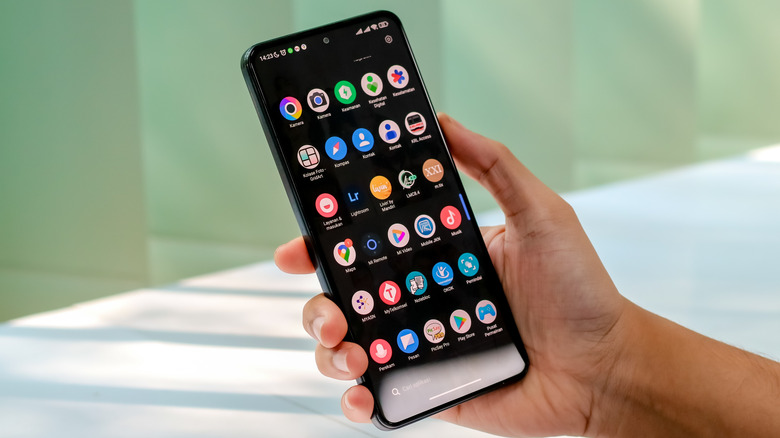
This openness extends to visual and functional customization. Tools like Samsung Good Lock allow users to redesign the system tray, change how the recent apps menu looks, and even create custom gesture controls. Combined with the Material 3 Expressive framework, Android power users can create a UI that is unique to their specific cognitive style.
| Feature | Android 16 (Power User View) | iOS 19 (Power User View) |
|---|---|---|
| Sideloading | Native support for any APK installation | Restricted to approved third-party stores |
| Custom Launchers | Full replacement of home screen/gestures | Restricted to widgets and icon packs |
| System Modification | Deep access via Good Lock/ADB | Highly locked down |
| Default Apps | Any app can be set as system default | Limited selection of default app categories |
Whether it is installing third-party launchers like Nova or Niagara to speed up app discovery or using Tasker to automate system-level changes based on location or sensor data, the degree of granular permissions available on Android is unmatched. This ensures that the user, not the manufacturer, decides how the device should function.
5. Professional File Management and System Access
For anyone who uses their phone for actual work—be it video editing, software development, or data management—file access is non-negotiable. Android file management vs iOS for professional workflows reveals a stark difference in philosophy. Android provides a transparent file system where users can access the root directory and manage files just as they would on a PC.
External storage management is another area where Android excels. You can plug in a high-speed SSD, and the system treats it as a native drive, allowing for high-bitrate video editing directly from the external source. This is vital for creators who deal with massive file sizes that would quickly choke internal storage.
Furthermore, the introduction of the Private Compute Core ensures that while you have deep system access, your most sensitive data remains isolated. Power users can enjoy open source flexibility without sacrificing security. They can manage their own encryption keys and decide exactly which apps have access to specific folders, providing a level of control that the "walled garden" approach of iOS simply cannot permit.
FAQ
What defines an Android power user?
An Android power user is someone who goes beyond the basic functions of calling and social media to use their device as a primary productivity tool. They often utilize advanced features like workflow automation, custom launchers, and multi-window multitasking. These users value granular control over their operating system and frequently engage in tasks like mobile coding, high-end content creation, or complex data management that requires deep system access.
What are the best apps for Android power users?
Top-tier apps for advanced users include Tasker for system-wide automation and Samsung Good Lock for deep UI customization. For file management, Solid Explorer remains a favorite due to its dual-pane interface and cloud integration. Developers often use Termux for a powerful terminal emulation environment, while creative professionals rely on LumaFusion for desktop-class video editing and Obsidian for complex, interconnected note-taking and knowledge management.
Which Android phones are best for power users?
The Samsung Galaxy Z Fold 7 is currently the leading choice for those who need maximum screen real estate and multitasking capabilities. For those who prefer a traditional form factor with the best AI integration, the Google Pixel 10 Pro is the benchmark. Additionally, devices like the Sony Xperia 1 VII appeal to power users who demand professional camera controls and expandable storage, while the ASUS ROG Phone series offers unmatched raw performance and thermal management for heavy processing tasks.
How do power users customize their Android experience?
Customization usually starts with third-party launchers to change the interaction model of the home screen. Users then move into modifying system behaviors using ADB (Android Debug Bridge) commands to remove bloatware or tweak animation speeds. Many also use custom icon packs, KWGT for creating personalized widgets, and specialized automation scripts that trigger specific device states—such as turning on a VPN and launching a work suite—based on the time of day or GPS location.
What are the best automation tools for Android power users?
Tasker is the most powerful and well-known tool, allowing for nearly infinite "if-this-then-that" scenarios based on system triggers. Macrodroid offers a more user-friendly interface for similar automation tasks. For those within the Samsung ecosystem, Modes and Routines provides deep integration with system settings. Additionally, using Gemini Intelligence for Android task automation is becoming the modern standard for handling complex, language-based tasks like summarizing documents or managing communications across multiple platforms automatically.