Quick Facts
- Bacteria Density: Research shows cell phones can carry 10 times more bacteria per square inch than most toilet seats.
- Gold Standard Solvent: Use 70% isopropyl alcohol for surface disinfection and 90% or higher for circuit-safe internal maintenance.
- The 'Never' Rule: Never spray liquid or cleaning solutions directly onto any electronic component or screen.
- Mandatory Safety: Always power down and unplug devices before beginning the electronics cleaning process to prevent shorts.
- Key Kit Items: A basic kit should include a microfiber cloth, lint-free wipes, cotton swabs, and compressed air for cleaning electronics.
- Hygiene Warning: The average office desktop harbors approximately 400 times more bacteria than a toilet seat, making weekly cleaning essential.
To perform effective electronics cleaning, always power down and unplug your device first. Use a lint-free microfiber cloth to remove surface dust. For disinfection, apply a small amount of isopropyl alcohol to the cloth—never directly onto the gadget—and gently wipe surfaces. Use 90% or higher concentration for internal components to ensure circuit board safety and rapid evaporation.
Your gadgets are dirtier than you think. In an era where we touch our phones thousands of times a day and spend hours typing on keyboards, these devices have become magnets for grime. Learning the best electronics cleaning techniques using isopropyl alcohol for electronics cleaning is vital to maintain both personal hygiene and long-term hardware health. Most of us wouldn't go a week without washing our hands, yet we let our primary work tools accumulate a biological film that would make a scientist shudder. This guide breaks down the essential weekly routine to keep your tech ecosystem pristine.
The Universal Safety Protocol
Before we dive into the specific hacks, every electronics cleaning session must begin with safety. Water and electricity are a dangerous combination, but even specialized cleaners like isopropyl alcohol for electronics cleaning carry risks if handled while a device is active. Residual heat from a running laptop can cause cleaning fluids to evaporate too quickly, leaving streaks or, worse, drawing moisture into sensitive areas through capillary action.
Begin every session by powering the device down completely. If it is a laptop or a desktop peripheral, unplug it from the wall. For devices with removable batteries, such as certain older cameras or wireless mice, removing the power source entirely is the safest bet. This protocol protects the internal circuit board and keeps you safe from accidental shocks while you handle liquids or conductive debris.
Tool List for Safety
- Clean, dry workstation
- Power strip with an easy-off switch
- Small containers for loose screws (if performing deep maintenance)
Hack 1: Disinfecting the Smartphone 'Germ Hub'
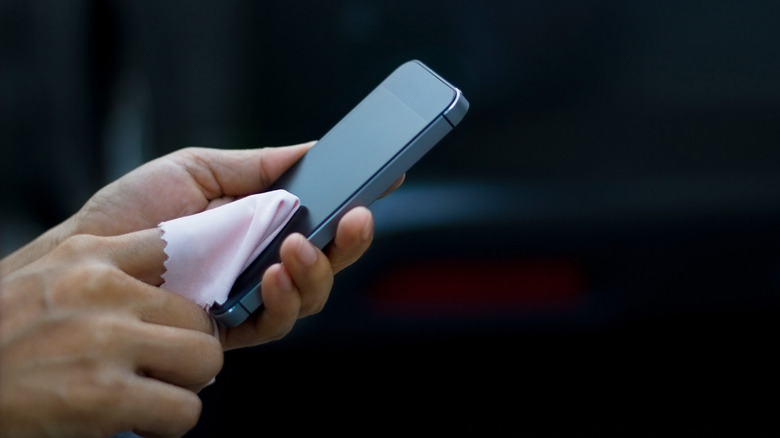
Your smartphone is likely the filthiest object you own. Between being held to your face, resting on various public surfaces, and being handled constantly, it collects a cocktail of skin oils, makeup, and environmental pathogens. The challenge with modern displays is the oleophobic coating—an oil-repellent layer that keeps your screen feeling smooth. Harsh chemicals like bleach or window cleaners will strip this coating away, leaving your screen permanently smudged and prone to scratches.
This is where the distinction in electronics cleaning alcohol becomes critical. While 90% concentrations are best for internals, 70% isopropyl alcohol is generally sufficient for surface disinfection on the exterior of a phone. The key is application. Never spray the phone. Dampen a microfiber cloth until it is slightly moist but not dripping, then wipe the back, sides, and screen in a linear motion. For those on the go, pre-moistened electronics cleaning wipes are a fantastic, portable alternative that ensures the correct saturation level every time.
Tool List for Smartphones
- Microfiber cloth
- 70% isopropyl alcohol
- Lint-free wipes
- Non-conductive toothpick for the speaker grille
Hack 2: Deep Cleaning Keyboards and Crevices
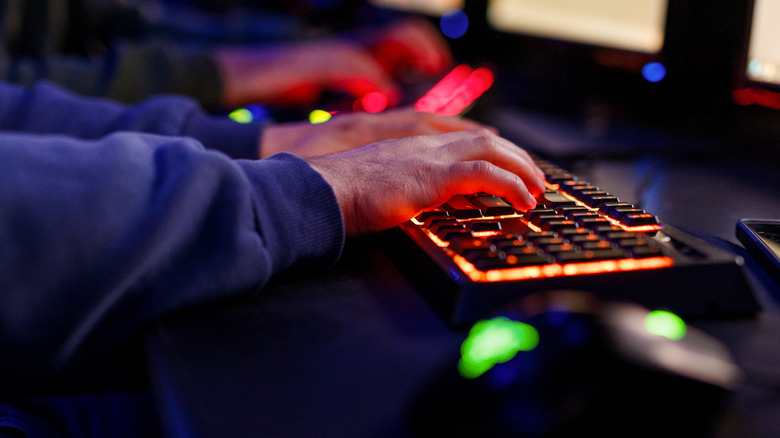
If you eat at your desk, your keyboard is a forensic record of your last month of meals. Crumbs, dead skin cells, and hair fall into the deep crevices between keyboard keycaps, creating a breeding ground for microbes. Over time, this surface grime can even interfere with the mechanical switches, leading to the dreaded "sticky key" syndrome where characters either double-type or fail to register.
For a weekly routine, you need to dislodge the loose debris before sanitizing. Use a canister of compressed air for cleaning electronics. Hold the keyboard at a 75-degree angle and spray in short bursts, moving across the rows. If the debris is stubborn, electronics cleaning putty is an excellent tool; it acts like a high-tech gel that sinks into the gaps, grabbing dust and hair that air can’t reach. Finally, use a cotton swab dipped in isopropyl alcohol to scrub the sides of each key where finger oils tend to build up.
Tool List for Keyboards
- Compressed air for cleaning electronics
- Electronics cleaning putty
- Isopropyl alcohol
- Cotton swabs
Hack 3: The Right Way to Use Isopropyl Alcohol
Understanding what percentage of isopropyl alcohol is best for cleaning electronics is the difference between a successful fix and a dead device. Many people grab whatever bottle is in their medicine cabinet, but the water content matters. Standard 70% alcohol contains 30% water, which stays wet longer and can lead to corrosion on sensitive metal parts if it seeps inside.
Safety Warning: The 70/90 Rule Use 70% isopropyl alcohol for external touchscreens, plastic casings, and glass surfaces where you need enough hydration to lift oils. Switch to 90% or higher isopropyl alcohol for electronics cleaning when dealing with ports, connectors, or circuit boards. This high concentration has a rapid evaporation rate, ensuring that moisture doesn't linger long enough to cause a short circuit.
When cleaning electronics with isopropyl alcohol, the goal is "damp, not drenched." Even when using 99% purity, you should always apply the liquid to your applicator (cloth or swab) first. This prevents the liquid from running into the internal gaps of the hardware.
Hack 4: Clearing USB Ports and Connection Points
We often blame a faulty cable or a dying battery when a device stops charging, but the culprit is frequently just USB port debris. Pocket lint and dust get compressed into the bottom of charging ports every time you plug in a cord. Eventually, this layer becomes thick enough to prevent the metal pins from making a solid connection.
A simple electronics cleaning kit often includes specialized small brushes or plastic picks for this purpose. Avoid using metal needles or paperclips, as these can bend the pins or cause a short if the device still has a residual charge. Gently scrape the bottom and corners of the port. You will be surprised by how much lint comes out. Follow up with a quick blast of compressed air to clear the remaining particles. This simple weekly check can extend the life of your hardware and save you from unnecessary repair costs.
Tool List for Ports
- Soft-bristled brush
- Plastic or wooden toothpick
- Compressed air
- 90% isopropyl alcohol for the connectors
Hack 5: High-Frequency Peripherals (Mouse & Remote)
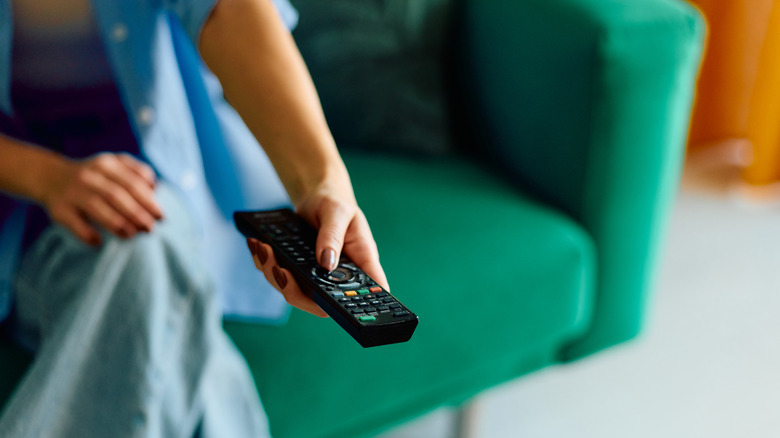
Gaming controllers, computer mice, and television remotes are the "forgotten" tech. They are touched by multiple people in a household and are often used during meals. This leads to a significant accumulation of oils and food residue. On a mouse, this grime usually settles on the pads underneath, causing it to drag rather than glide. On remotes, it seeps around the rubber buttons, eventually making them unresponsive.

For these high-frequency peripherals, pay special attention to the battery compartment. If a device has been sitting for a while, you might notice white, crusty buildup. If you are cleaning battery corrosion in electronics, you can use a cotton swab with a tiny amount of white vinegar to neutralize the alkaline leakage, but follow up immediately with high-purity isopropyl alcohol to clean the area and ensure it dries instantly. Regular tech peripheral maintenance like this prevents the permanent hardware failure that comes from long-term neglect.
Tool List for Peripherals
- 70% isopropyl alcohol for the outer casing
- Cotton swabs for button gaps
- Microfiber cloth
- Vinegar (only for battery corrosion)

FAQ
What is the best thing to clean electronics with?
The gold standard for electronics cleaning is a combination of a high-quality microfiber cloth and isopropyl alcohol. For external surfaces and screens, 70% isopropyl alcohol is ideal because it provides enough moisture to break down oils. For internal components or delicate ports, 90% or higher is preferred for its rapid evaporation properties. Always avoid household cleaners like window spray or ammonia-based products.
Is WD-40 an electronic contact cleaner?
Standard WD-40 is a lubricant and water-displacer, not a contact cleaner, and it can leave a residue that attracts more dust. However, the brand does make a specific product called WD-40 Specialist Contact Cleaner which is safe for electronics. Ensure you are using the specialized version and not the traditional multi-purpose blue and yellow can.
Is hydrogen peroxide or rubbing alcohol better for cleaning electronics?
Isopropyl alcohol (rubbing alcohol) is significantly better and safer for electronics. Hydrogen peroxide is an oxidizer, which can potentially damage delicate metal components and certain plastic finishes over time. Isopropyl alcohol evaporates much faster and is more effective at dissolving the specific types of oils found on human skin.
Will white vinegar clean electrical contacts?
White vinegar is occasionally used to neutralize alkaline battery leaks in the battery compartment, but it should not be used as a general cleaner for electrical contacts. Vinegar is acidic and can lead to the corrosion of copper and other metals if not completely removed. High-purity isopropyl alcohol for electronics cleaning is the safer and more professional choice for contacts.
What cleaning products are safe for asthmatics?
For those with asthma or chemical sensitivities, avoiding aerosol sprays like certain compressed air cans (which contain bitterants and fluorocarbons) is helpful. A manual air blower (like those used for camera lenses) and a dry microfiber cloth are safe alternatives. If using isopropyl alcohol, ensure the room is well-ventilated, or use pre-moistened electronics cleaning wipes which reduce the amount of airborne vapor compared to a spray bottle.