Quick Facts
- Daily Productivity Loss: Statistics show knowledge workers spend 21% of their time context switching rather than completing actual work.
- The Concentration Cost: The probability of errors increases by 28% after a phone call and 23% after a text notification.
- Core Solution: Use strategic friction and the One App Per Purpose rule to reclaim cognitive bandwidth.
- The 30-Day Rule: If you have not opened an application in the last month, it is likely cluttering your mental space and should be removed.
- Primary Recommendation: Prioritize deleting social media apps with infinite scroll and one-click shopping platforms to break dopamine loops.
To effectively start a digital declutter, prioritize removing social media platforms with infinite scroll features, such as Instagram or X, which contribute to mindless browsing. Deleting impulse-shopping apps and distracting entertainment services adds necessary friction, encouraging more intentional technology use and reducing daily cognitive load.
Statistics show knowledge workers spend 21% of their time context switching. To regain focus, a digital declutter is no longer optional—it is a necessity for mental clarity in an age where every notification is a bid for your most valuable resource: your attention. As someone who tests the latest flagship phones for a living, I have seen how easily a high-performance device can become a high-performance distraction.
1. The 'Infinite Scroll' Social Trio
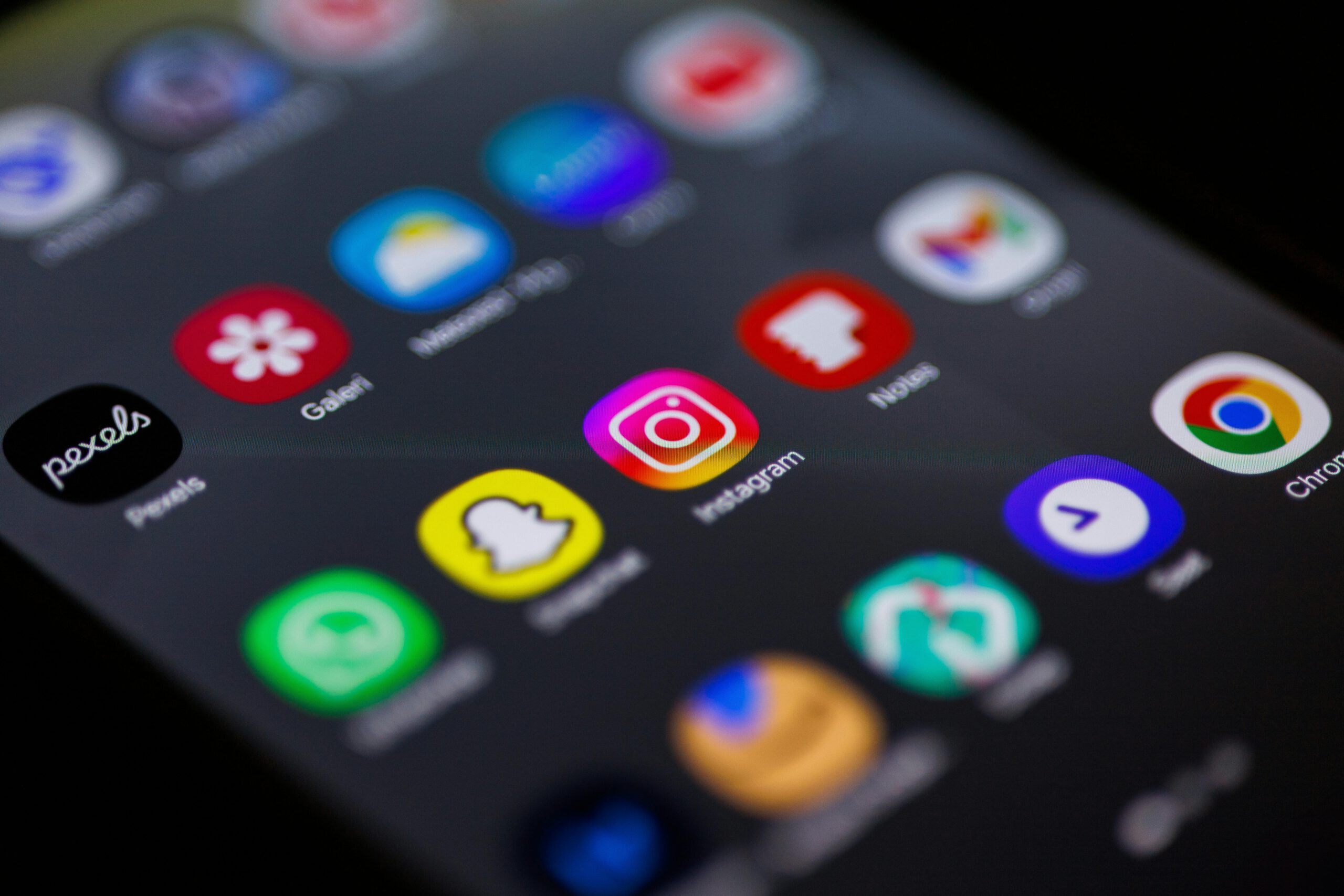
The most significant drain on our collective attention spans isn't the smartphone itself, but the applications designed to keep us scrolling. Instagram, X, and TikTok are the primary architects of the attention economy, using variable reward schedules to keep users engaged. These platforms leverage dopamine loops that make it nearly impossible to "just check one thing."
When you engage in mindless browsing, you are not just losing time; you are increasing your cognitive load. Research indicates that the probability of an employee making an error increases by 28% after receiving a phone call and by 23% after receiving a text message notification. By reducing screen time by removing infinite scroll features, you eliminate the visual triggers that lead to these interruptions.
If you aren't ready to quit these platforms entirely, move them to a desktop browser. This creates strategic friction, making the act of checking social media an intentional choice rather than a reflex. This digital decluttering guide for high productivity 2026 suggests that removing the mobile gateway to these "Anxiety Engines" is the single most effective step you can take.
2. Frictionless Mobile Shopping Apps
Modern retail apps like Amazon, Temu, and Shein are masterpieces of conversion optimization. Features like "Buy Now" buttons and personalized "Lightning Deals" are designed to bypass the prefrontal cortex—the part of the brain responsible for impulse control. Deleting mobile shopping apps to stop impulse buying is about more than just saving money; it is about stopping the decision fatigue that comes from constant exposure to targeted ads.
When these apps live on your home screen, every notification becomes a potential distraction. Even if you don't make a purchase, the mental energy spent deciding not to buy something contributes to your daily fatigue. This smartphone habit reset involves moving your shopping habits to your laptop. By adding the physical step of walking to a computer and logging in, you allow your rational mind to catch up with your impulses.
| App Category | Primary Issue | Suggested Action |
|---|---|---|
| Social Media | Infinite scroll / Dopamine loops | Delete mobile app; use desktop |
| Shopping | One-click impulse buying | Delete; use web browser for friction |
| News Aggregators | Negative bias / Constant alerts | Delete; use curated newsletters |
| Gaming | Gamified streaks / Time sinks | Delete apps with daily "tasks" |
| Excess Messaging | Context switching / Alert fatigue | Consolidate to one hub |
3. Redundant Notification Generators
The average professional uses 9.4 different applications daily, often jumping between various messaging platforms. This leads to a fragmented digital hygiene where your focus is constantly shattered. Every time a chime sounds from a secondary messaging app or an unnecessary news aggregator, you pay a "switch cost."
To minimize digital distractions, apply the One App Per Purpose rule. If you use Slack for work, do you also need Discord and Teams active on your mobile device? If you have a dedicated email app, do you also need the browser-based notifications? Use this digital declutter to identify apps that waste time on your phone by looking at your battery and data usage stats. If an app has sent you 50 notifications today but provided zero actionable value, it has lost its right to stay on your device.
4. Gamified 'Self-Improvement' Apps
It sounds counterintuitive, but many apps designed to help us improve actually hinder our productivity. Apps like Duolingo or certain habit trackers often prioritize engagement metrics over actual utility. When maintaining a "streak" becomes the primary goal, you have fallen into another dopamine loop.
For a smartphone habit reset for better attention spans, evaluate if these apps are actually teaching you a skill or just training you to check your phone. If you spend twenty minutes a day playing a "learning game" but couldn't hold a basic conversation in that language, the app is a distraction disguised as progress. A minimalist interface should only house tools that provide genuine, tangible value without demanding your attention through guilt-based notifications.
5. Implementing Your Smartphone Habit Reset
Once you have deleted the "Big 8," you need a sustainable system to keep the clutter from returning. This requires a weekly digital audit routine for professionals. Every Sunday evening, take five minutes to look at your screen time report. Identify the outliers and ask: "Did this app serve me, or did I serve it?"
For those struggling with email overflow, use the nuclear option. Go to your Gmail or Outlook search bar and type older_than:30d. Archive everything that appears. If it hasn't been addressed in a month, it's either not urgent or you've already dealt with it. This move toward Inbox Zero reduces the visual noise of your digital environment.
Finally, organize your home screen to support deep work. Place your most essential, non-distracting tools (Calendar, Notes, Camera) on the first page. Move everything else to the third page or into folders. By removing the visual cues of your apps, you support a digital minimalism lifestyle that allows for better focus on daily tasks and higher performance.
FAQ
How do I start a digital declutter?
Begin by auditing your screen time settings to see which apps consume the most of your day. Start with the "easy wins"—delete apps you haven't opened in thirty days and turn off all non-human notifications (alerts not sent by a real person).
What are the benefits of digital decluttering?
A successful digital declutter reduces decision fatigue, lowers stress levels, and significantly decreases the time lost to context switching. It restores your ability to engage in deep work and improves your overall attention span.
How do I declutter my phone and apps?
Use a three-step process: Delete unnecessary apps, disable notifications for the apps you keep, and reorganize your home screen to hide distracting icons. Implement batch processing for communications like email and Slack to prevent constant interruptions.
Does digital decluttering improve productivity?
Yes. By eliminating the attention economy traps that cause frequent context switching, you can save up to 21% of your work day. It allows you to maintain a minimalist interface that supports focus rather than distraction.
How often should you do a digital declutter?
You should perform a mini-audit weekly and a deep digital declutter once a quarter. This prevents digital distractions from accumulating and ensures your smartphone habit reset remains sustainable for long-term high performance.