Quick Facts
- Efficiency: Xbox 360 S draws about 70 to 71 watts vs 170 watts on the original model.
- Best Software: Aurora Dashboard is the gold standard for custom media management.
- Mod Method: ABadUpdate provides a no-solder path for unsigned code execution.
- Connectivity: Full support for 1080p video and 7.1 Surround Sound via optical or HDMI.
- Media Protocol: Native DLNA/UPnP support allows connection to modern servers like Plex.
- Preservation: The best way to play delisted titles and legacy physical media.
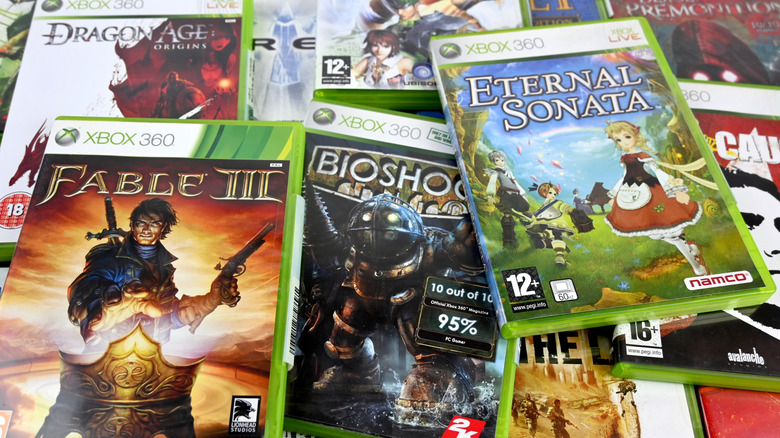
In 2026, the best old xbox 360 uses include repurposing it as a DLNA media client for Plex, a retro gaming hub via softmodding, or a Kinect-powered 3D scanner. By leveraging modern exploits like ABadUpdate on system dashboard 17559, you can run custom firmware to unlock homebrew capabilities without hardware modification.
Give your console a second life! We explore the best old xbox 360 uses in 2026, from media servers to retro hubs. For many of us, the Xbox 360 was the definitive console of its generation, but as modern hardware takes over, these white and black boxes often end up gathering dust in a closet. However, thanks to a thriving homebrew scene and robust original hardware specs, this console remains a formidable tool for digital preservation and home entertainment. Whether you are looking to build a dedicated media center for your living room or a versatile emulation machine, your old hardware still has plenty of fight left in it.
Hardware Assessment: Is Your Xbox 360 Media-Ready?
Before diving into software tweaks, we need to look at the physical hardware sitting on your shelf. Not all Xbox 360 consoles are created equal, especially when it comes to power consumption and noise levels. If you are planning to leave this device running as a media hub, efficiency matters.
The original Xbox 360 model, often referred to as the "Phat" model, is a bit of a power hog. During active use, the original Xbox 360 model consumes approximately 170 watts of power, which can add up if you are using it daily for movies. In contrast, the redesigned Xbox 360 S model is significantly more energy-efficient for home media use, drawing about 70 to 71 watts. The S and E models also run much quieter, which is a major factor for the "Wife Acceptance Factor" when placed in a shared living room.
| Feature | Xbox 360 Original (Phat) | Xbox 360 S (Slim) | Xbox 360 E (Stingray) |
|---|---|---|---|
| Power Consumption | ~170W | ~70-71W | ~70W |
| HDMI Port | Only on later revisions | Yes (Standard) | Yes (Standard) |
| Wi-Fi | External Adapter Required | Built-in 802.11n | Built-in 802.11n |
| Optical Audio | Dongle Required | Built-in S/PDIF | No (Requires HDMI extractor) |
If you have a 20GB Pro model, keep in mind that only about 13GB is usable for local storage. For a media-heavy setup, I recommend upgrading to a larger internal drive or using the console's support for external USB storage (up to 2TB) to house your digital game preservation library.
The Software Bridge: How to Softmod Xbox 360 Without Soldering
For years, the only way to get custom code running on an Xbox 360 was through invasive hardware mods like JTAG or RGH, which required precise soldering. In 2026, the landscape has changed. If you are looking for xbox 360 jailbreak methods that do not risk your hardware, you should look into the ABadUpdate and ABadAvatar exploits.
These exploits target specific software vulnerabilities within system dashboard 17559. By using a FAT32-formatted USB drive, you can trick the system into executing unsigned code. This is a game-changer for casual users because it allows you to install a custom dashboard like Aurora without ever opening the console.
Required Tools for Softmodding:
- A PC with a USB port
- A FAT32-formatted USB drive (1GB or larger)
- The ABadUpdate files compatible with system dashboard 17559
- A copy of the Aurora dashboard files
Once you know how to softmod xbox 360 without soldering, the first thing you should do is install the Aurora dashboard. Unlike the original "Twist Control" or "Metro" UIs, Aurora is designed for users who want quick access to a local media library and homebrew apps. It offers a much cleaner media UI and even allows for automatic downloading of cover art and metadata for your backed-up games. This is how to run aurora dashboard on xbox 360 effectively: you set it as the default boot path, transforming the console from a locked-down gaming machine into a versatile E-waste repurposing success story.
Setting Up the Ultimate Xbox 360 Media Server
The core of any entertainment hub is the ability to stream content. While many of the native apps like Netflix or YouTube have been deprecated on the 360, the console’s built-in Windows Media Center Extender and DLNA capabilities are still rock solid.
The xbox 360 includes built-in Windows Media Center Extender functionality, which enables the streaming of high-definition video, photos, and recorded television directly from a compatible Windows PC to the console. However, most modern users will prefer an xbox 360 plex media server setup guide that utilizes DLNA.
How to use xbox 360 as dlna client:
- Ensure your Xbox 360 and your media server (PC or NAS) are on the same local network.
- On your server (Plex or Emby), go to the settings and enable the DLNA server option.
- On the Xbox 360 dashboard, navigate to the "Video" or "Music" app and select "System Player."
- Your Plex server should appear as a source. You can now browse your folders and stream directly.
Pro Tip: Managing the MKV Limitation The Xbox 360 does not natively support the MKV container. When performing an xbox 360 media server setup, make sure your server is capable of video transcoding capabilities. Using a PC with Intel Quick Sync will allow the server to convert MKV files to a compatible H.264 MP4 format in real-time with zero lag.
Supported Native Codecs:
- H.264 (MP4, M4V, MOV)
- WMV (Standard and High Definition)
- MPEG-4 Part 2
- AVI (DivX and Xvid)
- AAC, MP3, and WMA audio
Beyond Movies: Retro Gaming Emulation and Kinect Projects
The power of the Xbox 360 isn't limited to playing 2007-era blockbusters. Once you have your softmod in place, the world of xbox 360 retro gaming emulation opens up. The console's Xenon CPU is surprisingly capable of handling older systems with high accuracy.
By setting up retroarch on xbox 360, you can turn your console into a universal library. RetroArch acts as a frontend for various "cores," allowing you to play everything from the NES and SNES to the PlayStation 1 and Sega Genesis. Because the Xbox 360 controller is one of the most ergonomic gamepads ever made, the experience of playing these classics feels modern and responsive.
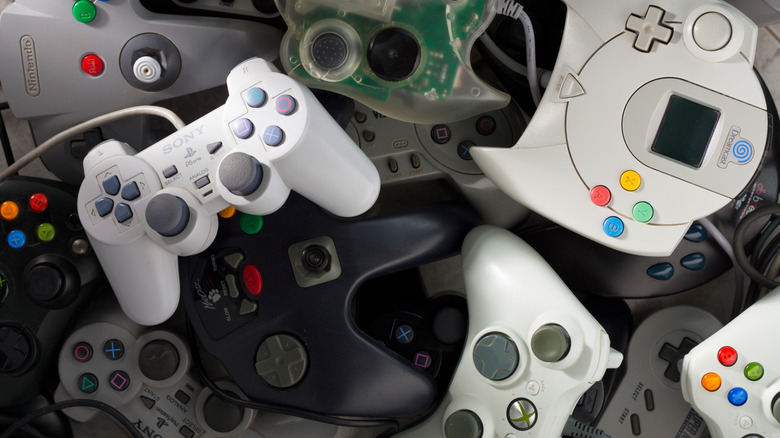
Digital game preservation is another massive benefit. As digital storefronts close, the ability to run backups of your physical media and delisted games—titles that are no longer available on the Series X or PS5—ensures that gaming history isn't lost.
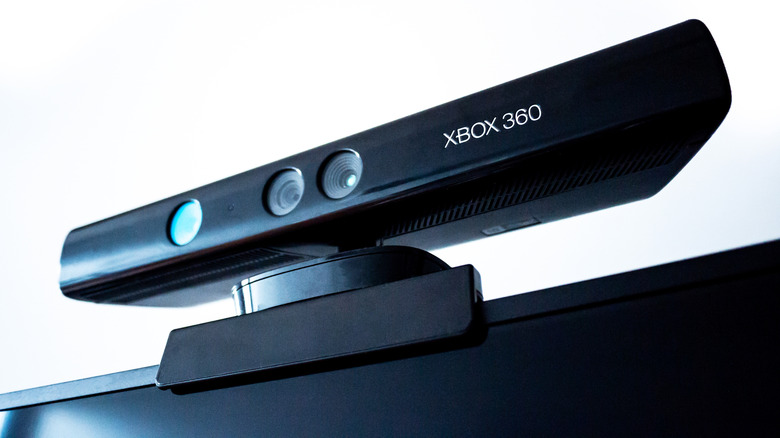
Finally, don't forget the Kinect. While it may have been controversial as a gaming peripheral, its infrared depth sensing technology is still highly valued in the tech world. Hobbyists use the Kinect as an SLS camera for "ghost hunting" or as a low-cost 3D scanner. By connecting the Kinect to a PC via a USB adapter, you can use software to create 3D models of real-world objects, making it one of the best uses for old xbox 360 in 2026 for those with a maker mindset.
FAQ
What can I do with an old Xbox 360?
In 2026, your old console is far from useless. You can repurpose it as a dedicated media client for streaming movies via DLNA, a retro gaming station using RetroArch, or a platform for playing delisted games that are no longer available on modern storefronts. It also functions as a great DVD and CD player for a secondary room like a guest bedroom or home gym.
Can you use an Xbox 360 as a media center?
Yes, it is a very capable media center. By utilizing the console's native DLNA support or the Windows Media Center Extender, you can stream high-definition video and music from a central PC or NAS. While modern apps like Netflix may no longer work, its ability to pull content from a local Plex or Emby server remains intact, provided your server can handle the necessary transcoding for newer file formats.
Is it worth keeping an old Xbox 360 for retro gaming?
Absolutely. The Xbox 360 is widely considered to have one of the best libraries in gaming history. Furthermore, through softmodding, it becomes a powerful emulation hub for older consoles. Unlike modern consoles that rely heavily on digital licenses, an old Xbox 360 allows you to maintain a physical media collection and run homebrew software that keeps the retro experience alive.
Can I use my Xbox 360 controller on other devices?
Yes, and it remains a favorite for many PC gamers. If you have a wired controller, it is a simple plug-and-play experience on Windows. If you have wireless controllers, you will need a cheap USB wireless receiver. Many enthusiasts also use adapters to connect these controllers to modern consoles or Raspberry Pi devices for their retro gaming builds.