Quick Facts
- Current Collaboration: Ring has partnered with M&M'S for the 2024 season, featuring the iconic Red M&M character voice.
- Number of Replies: There are 7 unique seasonal greetings available for your automated response system.
- Additional Sounds: Users can choose from 9 eerie Chime tones to play inside the home.
- Cost: Accessing and changing Ring quick replies for Halloween is completely free for all device owners.
- Subscription: A Ring Protect plan is only necessary if you want to save or share recordings of visitor interactions.
- Availability: This seasonal content is typically rolled out starting October 1st through the Ring mobile application.
To activate spooky Ring Halloween replies, open the Ring app, go to Devices, select your doorbell, and navigate to Smart Responses to toggle on Quick Replies. Once enabled, you can select a seasonal greeting from the list and save your settings to let your front porch security interact with trick-or-treaters automatically.
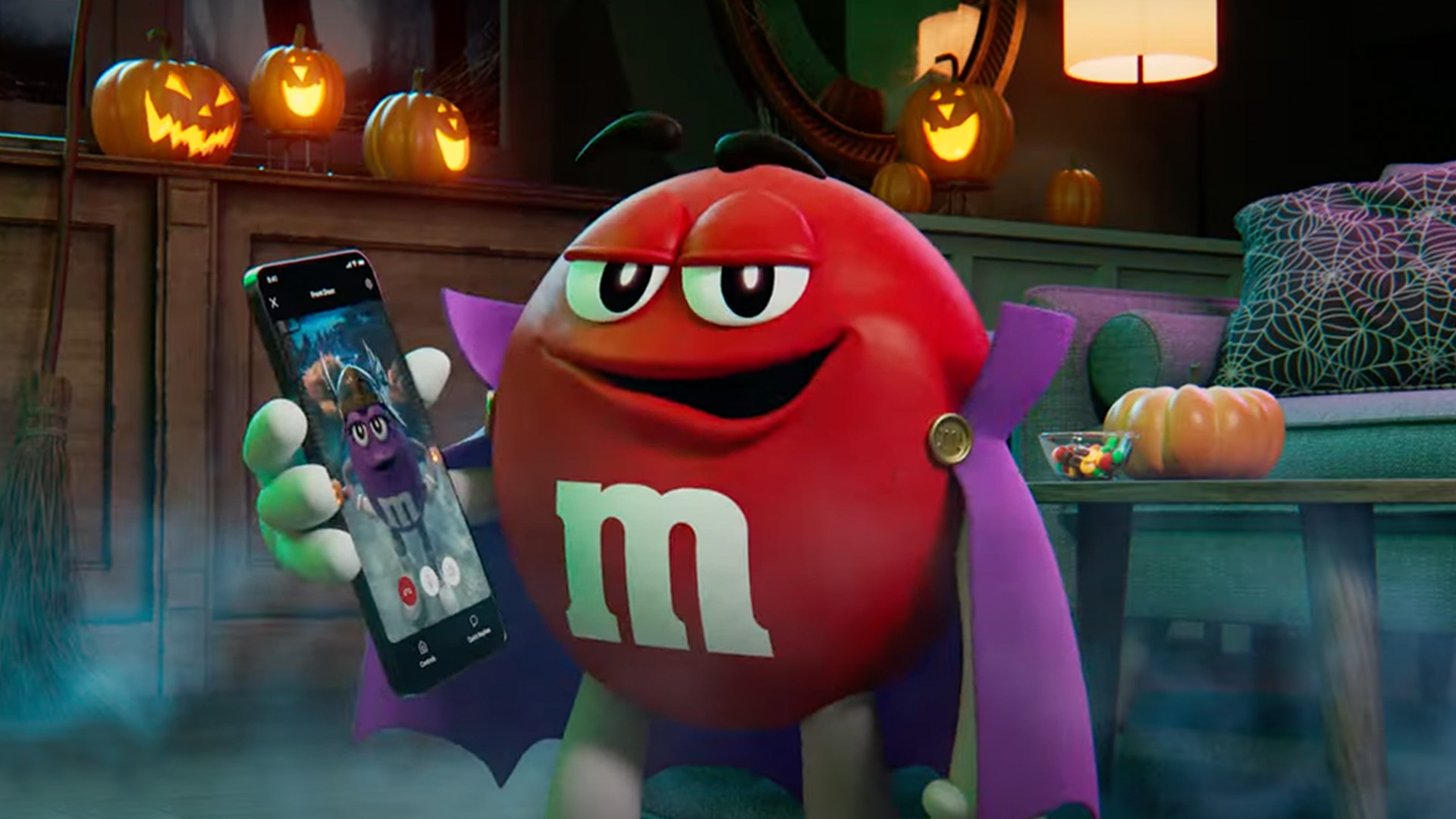
As someone who lives and breathes smart home automation, I always tell people that the best technology is the kind that adds a little joy to your daily routine. While we usually focus on the security aspect of a video doorbell, the October holiday theme gives us a chance to play with the more social side of these devices. Ring Halloween replies have become a fan-favorite tradition, turning a standard visitor alert into an interactive experience for everyone who walks up to your door.
This year is particularly fun because Ring partnered with M&M'S to release seven seasonal Quick Replies voiced by the Red M&M character. It is a clever way to add a bit of personality to your doorstep without having to manually answer every time the bell rings while you are busy carving pumpkins or watching a scary movie.
Step-by-Step: How to Turn on Halloween Quick Replies on Ring
Setting up your festive greetings is a straightforward process that only takes a few seconds within the Ring mobile application. Whether you are using a Ring Video Doorbell (2nd Gen), a Doorbell Pro, or the latest Battery Doorbell, the interface remains consistent. The goal is to ensure your device is ready to greet guests before they even have a chance to knock.
To get started, follow these instructions:
- Launch the Ring app on your smartphone or tablet.
- Tap the three-line menu icon in the top-left corner and select Devices.
- Choose the specific video doorbell you wish to update.
- Look for the Smart Responses tile and tap it.
- Ensure the Quick Replies toggle is set to the On position.
- Tap on Response Speech to see the list of available greetings.
- Scroll through and find the seasonal doorbell messages for Ring. You can tap the play icon to preview how they sound.
- Once you find the perfect voice-over preset, tap Save in the top-right corner.
One of my favorite features of the automated response system is that you can also trigger these replies manually. If you happen to be watching the Live View on your phone when a group of trick-or-treaters arrives, you can tap the Quick Replies icon on the screen to play your chosen message instantly. This gives you a way to interact with visitors in real-time if the automatic timer hasn't kicked in yet.
When you are deciding on the best ring doorbell halloween messages for trick or treaters, consider the delay time. You can adjust how long the doorbell waits before it plays the message. For a busy night like Halloween, setting a shorter delay—around 2 to 5 seconds—ensures that the kids hear the spooky message before they decide to move on to the next house.
Beyond the Doorbell: Ring Video Doorbell Halloween Chime Tones Setup
The exterior greeting is only half the fun. To truly lean into the festive customization of the season, you should also update the sounds that play inside your home. Ring provides several options for your internal chime sounds, which are the alerts you hear from your physical Ring Chime or through your mobile notifications.
This year, Ring offers nine different eerie Chime tones, including sounds such as a screechy cat, a creaky door, and a werewolf howl. Changing these settings is just as easy as updating the exterior replies. You just need to navigate to the Chime or Chime Pro settings in your device list, select Audio Settings, and then choose Chime Tones. From there, you can browse the Halloween section to find a sound that fits your mood.
If you really want to go all out, Ring offers 16 different Halloween-themed and autumn-themed faceplate designs for its video doorbell models, including options with pumpkins, ghosts, and spider webs. Adding a physical accessory like this makes the technology feel like a cohesive part of your holiday decor.

Integrating these internal sounds with your smart home automation setup can make the experience even more immersive. For example, if you have Amazon Alexa-enabled speakers, you can set them to announce "Trick or Treat!" or play a specific spooky playlist whenever the doorbell is pressed. It turns a simple notification into a full-house event.
Troubleshooting: Why Aren't My Ring Halloween Quick Replies Showing Up?
Sometimes, technology can be a bit tricky rather than a treat. If you find that the seasonal options are missing from your menu, there are a few common reasons why this might be happening. The most frequent issue is an outdated app. Seasonal features are part of the latest software packages, so your first step should be to check the App Store or Google Play Store to ensure your Ring mobile application is fully updated.
Another thing to keep in mind is the ring halloween quick replies compatibility list. While most modern Ring doorbells support this feature, some very early models or specific battery-operated versions might have limitations regarding certain voice-over presets. However, the vast majority of users with a Ring Video Doorbell 2 or newer should have no issues seeing the spooky options.
If the app is updated but the responses still aren't there, it might be a matter of timing. Ring usually rolls these features out gradually throughout the first week of October. If you are checking on the very first day of the month, you might just need to wait an extra 24 hours for the server-side update to reach your account.
Lastly, check your device's connectivity. For a video doorbell to download the latest firmware updates and sync with the new festive greetings, it needs a stable Wi-Fi connection. If your doorbell has been showing a "Poor" connection status in the Device Health section of the app, it might struggle to receive the update. A quick restart of your router or the doorbell itself can often force the device to check for new content.
Pro-Tip: You do not need a Ring Protect subscription to use Quick Replies. However, if you want to go back and watch the funny reactions of your neighbors when they hear the Red M&M'S voice, you will need an active subscription to save those video clips.
FAQ
How do I set up Halloween Quick Replies on my Ring doorbell?
Open the Ring app and select your doorbell from the Devices menu. Tap on Smart Responses and make sure Quick Replies is turned on. Then, tap on Response Speech to view and select one of the Halloween-themed options. Be sure to hit save to apply the changes to your device immediately.
What are the different Halloween responses available for Ring?
This year, the lineup includes seven different responses. Many of these are voiced by the Red M&M character as part of a special partnership. The messages range from humorous greetings about candy to more traditional spooky phrases designed to entertain visitors and trick-or-treaters.
Do I need a subscription for Ring Halloween responses?
No, the Quick Replies feature is available to all Ring users for free. You can activate the seasonal greetings and have them play for visitors without paying a monthly fee. However, if you want to record the interactions and watch them later in your event history, you will need a Ring Protect subscription.
How do I change the Ring Chime sound for Halloween?
To update the sound inside your house, go to the Devices menu in the Ring app and select your Chime or Chime Pro. Tap Audio Settings and then Chime Tones. You will find a variety of seasonal sounds like a werewolf howl or a creaky door under the Halloween category.
Why are my Ring Halloween quick replies not working?
The most common reason is that your Ring app needs an update to the latest version. If your app is up to date, check your Wi-Fi connection to ensure the doorbell has synced with Ring's servers. Also, remember that seasonal content is rolled out gradually in October, so check back if it is still early in the month.