Quick Facts
- Primary Name: Known officially by Apple as the Typing Awareness Indicator
- Trigger Event: Appears instantly when any character is entered or media is selected in the compose field
- Timeout Duration: Remains visible for approximately 60 seconds of active typing or up to 90 seconds of inactivity
- Deletion Rule: The animation disappears within roughly 5 seconds if the sender clears all text from the field
- Privacy Scope: Indicators are only visible to the participants within that specific conversation thread
- Control Status: Unlike read receipts, there is currently no native setting to disable this feature on iPhone
The imessage typing bubble appears as soon as a recipient begins entering text into the message field. It does not guarantee a message is incoming; if they stop typing without deleting the text, the indicator typically lingers for 60 to 90 seconds before automatically timing out and disappearing.
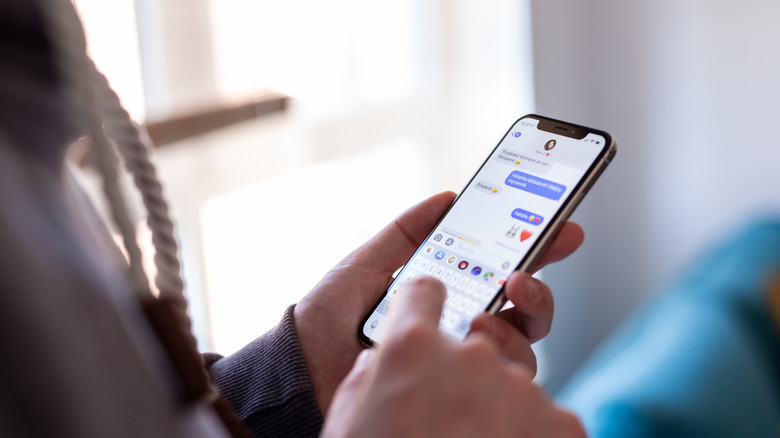
The Science of the Typing Awareness Indicator
To understand why those three dots feel so unpredictable, we have to look back at the history of the platform. Apple introduced what they called the Typing Awareness Indicator during WWDC 2011. The goal was to make digital conversations feel more like real-time interactions. By showing when do typing bubbles appear on iphone, Apple reduced the likelihood of two people sending messages at the exact same moment—a digital "excuse me" to prevent conversational overlap.
Technical assessments of the platform show that the imessage typing bubble activation isn’t just about the keyboard. While most people assume it only happens when someone is hitting keys, the bubble is also triggered by selecting a photo, sticker, or emoji in the conversation thread. This is why you might see the dots even if your friend isn't a fast typer; they might just be scrolling through their gallery looking for the perfect reaction meme.
The behavior of the ellipsis animation follows a very specific set of rules based on the state of the compose field. If a user types a single letter and then closes the Messages app or switches to Instagram, the indicator doesn’t vanish instantly. Instead, iMessage assumes the user might come back, keeping the bubble active for a timeout duration of roughly 60 to 90 seconds. However, if the user manually deletes every character in the text box, the bubble sends a "stop" command to the server, and the animation disappears for the recipient in about 5 seconds.
The 5-Second vs. 90-Second Rule
| Action | Result for Recipient | Duration |
|---|---|---|
| Enters text and stays in app | Bubbles appear and pulse | Until sent or paused |
| Enters text then switches apps | Bubbles remain visible | 60 - 90 seconds |
| Completely clears the text field | Bubbles vanish | ~5 seconds |
| Enters text and loses signal | Bubbles may become stuck | Until reconnected |
Why iMessage Shows Dots When No One Is Messaging
We have all experienced it: the imessage typing bubble appears, lingers for a minute, and then simply vanishes without a word. This often leads to texting anxiety, where we wonder if the other person changed their mind or got angry. In reality, most instances of three dots imessage no message received are caused by mundane user intent or simple accidents.
One of the most common reasons is the "accidental tap." If someone opens your conversation just to re-read an old message and accidentally taps the keyboard, the indicator starts immediately. Because they didn't intentionally type anything, they won't think to backspace. Consequently, you see the dots for the full 60-second timeout while they have already locked their phone and moved on.
Another scenario involves the "reconsidered reply." A user might draft a long response, realize it sounds too aggressive or unnecessary, and then simply switch to another app to clear their head. Because the blue bubbles are tied to the presence of text in the draft area, those dots will stay on your screen until the system registers the inactivity timeout. It is important to remember that these ghost notifications are thread-specific; the sender isn't necessarily typing to someone else just because you see the dots. The system only triggers the animation for the specific person currently in the sender's compose field.
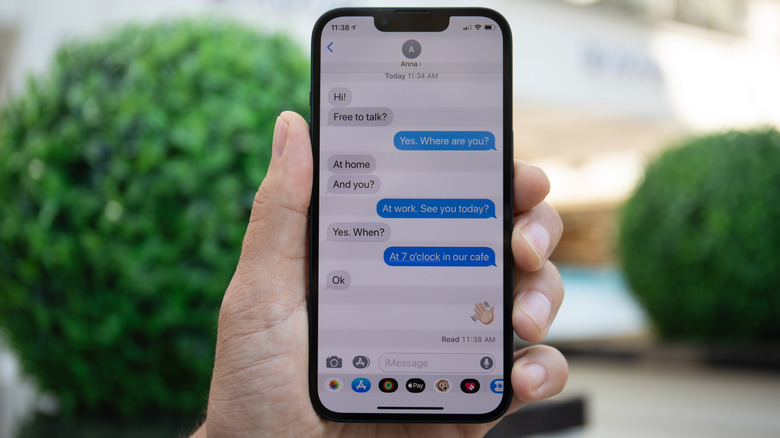
Technical Glitches: Why Typing Bubbles Get Stuck
Sometimes, the reason the imessage typing bubble won't go away has nothing to do with the human on the other end. Instead, it is a result of network latency or server synchronization issues. To keep the interface snappy, iMessage sends tiny "packets" of data to signal when typing starts and stops. If the "stop" packet is lost due to a poor cellular connection or a temporary server hiccup, your iPhone may never receive the command to hide the dots.
This is especially prevalent in the imessage typing indicator group chat ios 26 environment. In large group threads, the server has to manage dozens of simultaneous status updates. If several people start and stop typing at once, the sync can lag, leading to cases where why do imessage typing dots appear then disappear rapidly or stay frozen for several minutes.
If you find that a bubble is permanently stuck on your screen, here are a few ways to force a refresh:
- Exit the conversation and return to the main message list.
- Force-close the Messages app and restart it.
- Send a short message (like a question mark) to "poke" the server and force a status update.
- Toggle your Airplane Mode on and off to reset your local network connection.
Can You Turn Off the iMessage Typing Indicator?
Many privacy-conscious users ask if there is a way to imessage typing indicator turn off. While Apple allows you to toggle read receipts on or off to hide whether you have seen a message, they do not provide a similar native toggle for the typing bubble. This is a fundamental part of the iOS ecosystem design, emphasizing "presence" over complete anonymity.
Unlike apps like Signal or WhatsApp, which allow for more granular control over your online status, iPhone users are generally stuck with the animation. If you want to prevent someone from seeing that you are typing, your only real option is to draft your message in the Notes app and then copy-paste it into the Messages field all at once. This ensures the imessage typing bubble only flashes for a split second before the message is sent.
For the highly technical audience, there used to be jailbreak tweaks like TypeStatus that could hide these indicators, but with the modern security of iOS, jailbreaking has become less common and isn't recommended for most users. For now, the typing bubble remains a permanent fixture of the blue bubbles experience.
FAQ
What triggers the typing bubble on iPhone?
The bubble is triggered by any character input into the compose field, as well as the selection of photos, stickers, or digital touch effects. Even if the keyboard isn't being used, interacting with media plugins in the app drawer can also activate the indicator for the recipient.
How long does the typing bubble last on iMessage?
If the sender is actively typing, it stays as long as they are active. If they stop typing but leave the text in the box, the dots typically persist for about 60 to 90 seconds. However, if they clear the text box entirely, the bubble should disappear within 5 seconds.
How to get rid of the typing bubble in iMessage?
You cannot manually hide the bubble once it appears on your screen unless the sender stops or sends the message. To refresh a stuck bubble, you can try closing the app or navigating out of the specific conversation thread to reset the UI.
Does the typing bubble go away after a while?
Yes, it is designed with an automatic timeout. Technical assessments show that the imessage typing bubble disappears after a period of inactivity—usually around one minute—to prevent the UI from being permanently stuck if a user forgets to send a draft.
How do I turn off message typing bubble on my iPhone?
Currently, there is no official setting in iOS to disable the typing indicator. While you can turn off read receipts in Settings > Messages, the typing dots are a core system feature that cannot be toggled off without using unofficial software modifications.