Quick Facts
| Feature | RF 2.4GHz Wireless | Bluetooth Wireless |
|---|---|---|
| Typical Latency | 1ms to 20ms | 80ms to 150ms+ |
| Polling Rate | Up to 1000Hz | Typically 125Hz |
| Audio Quality | High-fidelity / Lossless | Compressed / Standard |
| Mic Performance | Full bandwidth available | Massive quality drop (16kHz) |
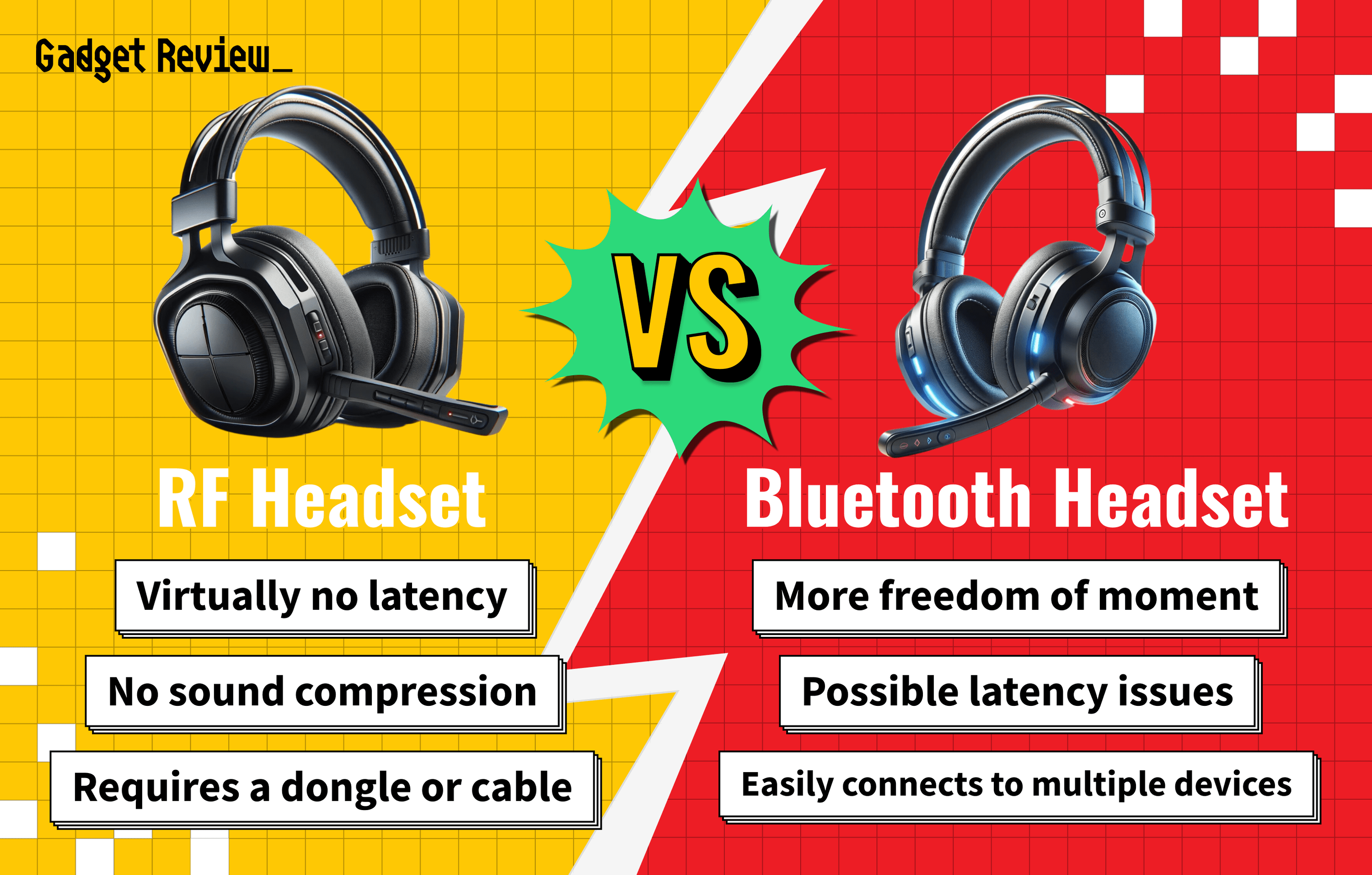
| Connectivity | Requires USB Dongle | Built-in on most devices |
| Best For | Competitive PC/Console Gaming | Mobile Gaming / Commuting |
- Latency Lead: RF 2.4GHz offers near-instantaneous feedback, crucial for high-stakes gaming.
- Polling Rate: Standard RF devices report to your PC 8x faster than Bluetooth alternatives.
- Audio Fidelity: RF protocols maintain high resolution even when the microphone is active.
- Mic Tax: Bluetooth bandwidth splits when using a mic, reducing audio quality significantly.
- Range & Stability: A dedicated USB dongle minimizes interference in crowded wireless environments.
Radiofrequency (RF) wireless is superior to Bluetooth for gaming because it uses a dedicated 2.4GHz USB dongle to achieve latency as low as 1ms. While Bluetooth is convenient for mobile use, its 80-150ms delay and bandwidth limitations make it unsuitable for competitive play.
The Latency Gap: 1ms vs. 100ms
If you have ever felt a slight disconnect between your mouse click and the gunshot on screen, you have experienced input delay. In the world of RF vs Bluetooth gaming, this gap is the difference between a victory and a trip back to the respawn screen. Competitive gaming, particularly in the FPS or rhythm genres, generally requires latency below 20ms to feel instantaneous. Standard Bluetooth connections for gaming headsets typically exhibit a latency range of 80 to 150 milliseconds, which is well above the human perception threshold of approximately 40ms.
The technical reason behind this lag lies in how the devices talk to your computer. Bluetooth is designed as a universal "public road." It uses a complex handshake protocol and frequency hopping to stay connected to multiple devices, which creates a floor of roughly 8ms of delay just for the reporting interval. Most 2.4GHz wireless gaming mice operate at a 1000Hz polling rate to achieve near-instantaneous 1ms response times, while standard Bluetooth is often limited to a 125Hz polling rate. This results in an 8ms reporting interval before the signal even begins to process.
Dedicated 2.4GHz RF is more like a "private highway." By using a proprietary USB dongle, the peripheral can bypass the standard Bluetooth stack and use Proprietary protocols optimized solely for speed. Modern 2.4GHz wireless keyboards can deliver input latency as low as 1 to 5 milliseconds, compared to Bluetooth keyboards which frequently operate at latencies of 20ms to 40ms or more. For 2.4ghz vs bluetooth latency for competitive fps, the dedicated dongle is the clear winner for maintaining millisecond response times.
The Bluetooth 'Mic Tax': Why Audio Quality Drops
One of the most frustrating experiences for a gamer is realizing that their expensive wireless headset sounds like a tinny radio the moment they join a Discord call. This is commonly referred to as the "mic tax." If you have ever wondered why bluetooth audio quality drops when using headset microphone, it comes down to a fundamental limitation of the technology known as Full-duplex audio constraints.
Bluetooth has a limited amount of bandwidth. Under normal circumstances, it uses high-quality codecs to deliver stereo sound. However, when you activate the microphone, the connection must suddenly handle two-way traffic: the audio coming to your ears and the voice data going to your teammates. Because the pipe is too narrow, the headset is forced into the Hands-free profile limitations. This profile effectively slashes the bitrate compression to its lowest possible setting, often dropping the audio from a rich 48kHz stereo signal down to a mono 8kHz or 16kHz signal.
In contrast, RF-based headsets are designed for this specific scenario. Because they use a dedicated USB dongle with higher bandwidth, they can maintain Lossless transmission for both the audio and the microphone simultaneously. This ensures that your game world remains immersive and high-resolution while your voice remains clear. If you are debating wireless gaming headset latency and fidelity, the RF connection is the only way to avoid the dramatic drop in sound quality during communication.
Optimization: Fixing Interference and Stutter
Even with the best hardware, wireless signals can be finicky. The 2.4GHz band is incredibly crowded; it is the same frequency used by your Wi-Fi router, your microwave, and even some baby monitors. This leads to ISM band congestion, which can cause signal attenuation or "stuttering" during a match.
When deciding is a usb dongle or bluetooth better for laptop gaming, the dongle usually wins for stability, but it requires proper placement. A common mistake is plugging the 2.4GHz receiver into a USB 3.0 port directly next to another active USB device. USB 3.0 ports are known to emit radio frequency interference that can "drown out" the tiny receiver. To fix this, many pro-tier mice come with an extension cable that allows you to place the dongle just inches away from your mousepad.
Here are a few tips for fixing signal interference between 2.4ghz headsets and wifi routers:
- Line of Sight: Ensure there are no metal objects or thick wooden desks between the dongle and your peripheral.
- USB Extensions: Use a USB 2.0 extension cable to move the receiver away from the computer tower’s internal electronic noise.
- Channel Management: If possible, set your Wi-Fi router to use the 5GHz or 6GHz bands for data-heavy tasks, leaving more "airspace" for your 2.4GHz gaming gear.
- Distance: Keep your router at least three to five feet away from your gaming station to prevent the signal from overwhelming the headset receiver.
Dual Wireless: The Best of Both Worlds
You no longer have to choose one or the other exclusively. Many of the best headsets on the market now feature "Dual-mode" or "Simultaneous" connectivity. This offers the benefits of simultaneous 2.4ghz and bluetooth dual connectivity, allowing you to stay connected to your PC for game audio while paired to your phone for calls.
This is a massive quality-of-life improvement. Imagine you are in the middle of a raid and your phone rings. With a dual-wireless setup, you can answer the call through your headset without losing the game sound. Some high-end models even feature "ducking," where the game volume automatically lowers when someone speaks on your Bluetooth-connected phone.
The trade-off for this versatility is usually Energy consumption. Running two wireless radios at once can decrease your battery life by 10% to 20%. However, for gamers who want Cross-platform versatility—switching from a PC battle station to a Nintendo Switch on the bus—multipoint pairing and dual-mode connectivity are the gold standard for modern hardware.
Verdict: Which Should You Choose for Your Genre?
The right choice depends entirely on what you play and where you play it. While RF is technically superior in terms of raw performance, Bluetooth has a major advantage in terms of convenience and the peripheral ecosystem.
- Competitive FPS/Battle Royale: You need RF. The 1ms response time and high polling rate are non-negotiable for games like Valorant or Apex Legends. The 100ms delay of Bluetooth will make you feel sluggish and unresponsive.
- Casual RPGs and Strategy: Bluetooth is often perfectly acceptable here. If you are playing a turn-based game or an immersive single-player RPG, the 100ms lag is rarely noticeable. Plus, Bluetooth offers a 27.5% battery advantage on average, making it better for long, relaxed sessions.
- Mobile & Steam Deck: Bluetooth is the king of portability. Not having to manage a dongle that could snap off in your bag is a huge plus. Modern Codec support like aptX Low Latency or LC3 is closing the gap, though they still can't quite match the raw speed of a dedicated RF transmitter.
- Home Office/Hybrid Work: If you use the same headset for work calls and gaming, look for a dual-mode device. It gives you the professional stability of RF for your PC and the convenience of Bluetooth for your mobile device.
Ultimately, the USB dongle vs Bluetooth gaming debate is settled by your need for speed. If you want the absolute best Audio-visual sync and the most responsive input, stick with the dongle.
FAQ
Is RF or Bluetooth better for gaming?
RF is significantly better for gaming because it offers lower latency and higher polling rates. By using a dedicated 2.4GHz transmitter, RF devices can achieve response times of 1ms, whereas Bluetooth often suffers from delays that can exceed 100ms, making it feel sluggish in fast-paced games.
Does Bluetooth have more latency than RF?
Yes, Bluetooth inherently has more latency due to the way it processes data packets and handles frequency hopping. While RF is designed for a direct, high-speed connection between two specific devices, Bluetooth is a universal protocol that prioritizes compatibility and power saving over raw speed, leading to much higher input delay.
Is RF wireless faster than Bluetooth for headsets?
RF is much faster for headsets, providing a nearly lag-free experience that is essential for hearing footsteps or directional cues in real-time. Bluetooth audio often lags behind the action on screen, which can be disorienting during gameplay. Furthermore, RF maintains higher audio quality when the microphone is in use.
Is Bluetooth audio quality acceptable for gaming?
Bluetooth audio is acceptable for casual or single-player gaming where split-second timing isn't required. However, the quality drops significantly if you need to use the microphone for voice chat, as the limited bandwidth forces the audio into a lower-quality mono profile.
Why do pro gamers avoid Bluetooth?
Pro gamers avoid Bluetooth because the bluetooth 125hz vs 1000hz polling rate for gaming responsiveness represents a massive competitive disadvantage. In a professional environment, an 8ms to 100ms delay can be the difference between hitting a shot or missing it entirely. Pro players also require the signal stability that only a dedicated RF dongle can provide in environments with lots of wireless interference.
Can I use both RF and Bluetooth on the same device?
Many modern "dual-mode" gaming headsets and mice allow you to use both. Some devices let you toggle between the two modes with a switch, while high-end headsets allow for simultaneous audio, letting you listen to game sounds via RF and a podcast or phone call via Bluetooth at the same time.