Quick Facts
- Diagnostic Key: Rapid flashing indicates the controller is in active pairing mode; a slow pulse means it is searching for a previously known device.
- Sync Window: Upon pressing the sync button on the console, you have exactly a 20-second window to press the pair button on the controller.
- Connection Capacity: A single Xbox console can support the simultaneous connection of up to eight wireless controllers for local multiplayer.
- Operating Range: The official signal range for these devices is approximately 19 to 28 feet from the console.
- Quick Fix: Most synchronization errors are resolved by a 10-second power cycle or a direct USB-C/Micro-USB wired connection.
- Firmware Factor: Persistent flashing often stems from outdated hardware software, which can be fixed via the Xbox Accessories App.
An xbox controller flashing indicates that the device is currently searching for a wireless signal to establish a connection. Understanding the xbox controller flashing light meaning is the first step to a fix: a fast-blinking light means the hardware is in pairing mode, while a slow-blinking light indicates it is attempting to reconnect to a previously paired console or PC. If the light continues to flash without turning solid, it usually signals a sync failure or a lack of power.
Decoding the Flash: What Does It Mean?
As a long-time hardware editor, I have seen every type of peripheral failure imaginable, but the blinking Guide button is easily the most common source of frustration for gamers. It is not just a random light; it is a diagnostic tool designed by Microsoft engineers to tell you exactly where the handshake between the controller and the platform has failed. Before you start ripping out batteries, you need to identify the rhythm of the flash.
| Flash Rhythm | Meaning | Troubleshooting Priority |
|---|---|---|
| Fast Blinking | Active Pairing Mode | Check if the console/PC discovery is on. |
| Slow Blinking | Reconnecting Mode | Ensure the previous device is powered on. |
| Flash then Off | Critical Power Failure | Replace AA batteries or charge the pack. |
| Double Flash | Bluetooth Conflict | Remove and re-pair in Windows settings. |
When you see an xbox one controller light flashing fast, it means the internal wireless radio is wide open, broadcasting a signal for any compatible receiver. This is the state you want if you are setting up a brand-new console. If you notice the xbox controller flashing slowly, the controller is like a person looking for a specific friend in a crowd; it only wants its old partner and is ignoring other signals. If you are experiencing a situation where your xbox controller flashing but not turning on happens, it often points to a voltage issue where the batteries have enough juice to spark the LED but not enough to sustain the wireless radio.
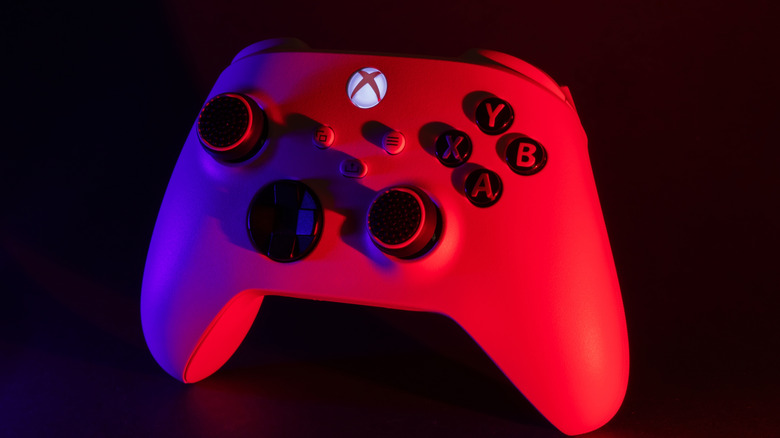
How to Fix Xbox Controller Flashing on Console
The console environment is generally more stable than a PC, but it is not immune to wireless dropouts. If you own an Xbox Series X or S, the most common culprit is a disrupted synchronization profile. I recommend what I call the "Hard Handshake" method. While the console is on, connect the controller directly to the front USB port using a high-quality cable. This bypasses the wireless radio entirely and forces the console and controller to exchange unique identification keys.
If the wired method does not work immediately, you likely need a full power cycle. Hold the Xbox button on the front of the controller for about 10 seconds until it completely shuts down. Do the same for the console power button. Unplug the console from the wall for 30 seconds to clear the cache. Once everything is back on, hit the pair button on the console first, then the controller. Keep in mind that you only have a 20-second window to complete this process. If you are seeing your xbox series s controller light flashing even after this, check for interference from nearby routers or metal cabinets, as these can physically block the signal.
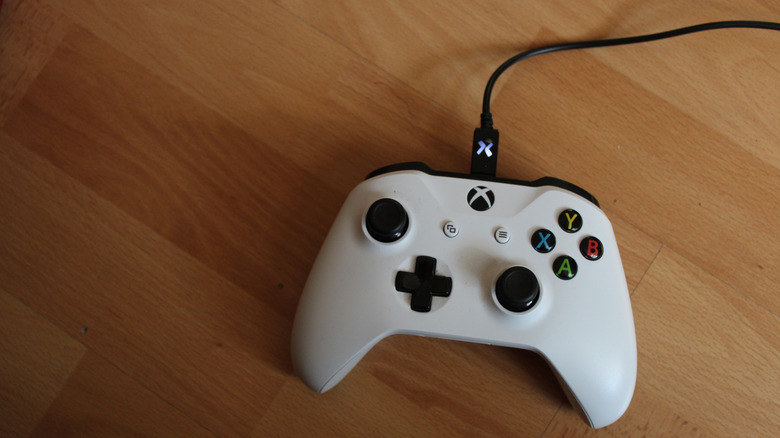
The 10-20-30 Rule
- 10 Seconds: Hold the power button to force a controller or console shutdown.
- 20 Seconds: The time limit you have to press the pair button on both devices.
- 30 Seconds: The time you should leave the console unplugged to clear the system cache.
Troubleshooting Xbox Controller Flashing on PC
The world of PC gaming adds layers of complexity thanks to the Windows Bluetooth pairing stack and various driver conflicts. An xbox controller flashing pc issue is usually not a hardware failure, but a software misunderstanding. When you use Bluetooth, Windows can sometimes "remember" a controller but lose the ability to talk to it, leading to a perpetual blinking light.
To fix this, go into your Windows Settings, navigate to "Bluetooth & other devices," and manually remove the Xbox Wireless Controller from your list. Then, put the controller back into pairing mode by holding the pair button until the light flashes quickly. On the PC, select "Add Device" and choose Everything Else or Bluetooth. If the controller connects but then starts flashing again, you likely need to update the controller software. Open the Xbox Accessories App (available on the Microsoft Store) and connect via USB. If there is a notification that says how to update xbox controller firmware flashing, follow the prompts immediately. A firmware update often contains fixes for the Bluetooth radio that resolve these specific dropouts.
Why Your Controller Still Won't Sync: Battery & Hardware Issues
If you have tried the software fixes and still find yourself asking why is my xbox controller blinking with new batteries, we need to look at the physical construction of the device. Not all batteries are created equal. Even brand-new AA alkaline batteries can fail to provide the constant voltage required for the Xbox Wireless protocol if the battery tabs in the controller are slightly bent.
I often tell gamers to inspect the two metallic tabs inside the battery compartment. If they have become compressed over time, they may not be making a solid connection, causing the controller to power cycle and flash. You can gently—very gently—pull them out slightly with a small tool to ensure higher tension against the batteries. Additionally, if you find your xbox controller flashing but not turning on, try the "Battery Pull" reset: remove the batteries, hold the Xbox button for 15 seconds to drain any residual energy from the capacitors, then reinsert the batteries and try again.
For the most stubborn cases, where you find yourself wondering why is my xbox one controller flashing and not connecting despite every effort, a factory reset of the controller might be the only path forward. While not widely publicized, holding the sync button for a full 20 seconds until the controller vibrates can sometimes reset the internal logic board, clearing any corrupted pairing data that is preventing a successful sync.
FAQ
Why is my controller blinking and not connecting?
The blinking light signifies that the controller is searching for a signal but cannot find a compatible receiver. This is usually due to the console or PC being out of range, the pairing mode not being active on both devices, or established pairing data becoming corrupted.
How do I resync my Xbox controller?
To resync, turn on both the console and the controller. Press and release the pair button on the console, then within 20 seconds, press and hold the pair button on the controller until the Xbox logo flashes rapidly. Once the light stays solid, the sync is successful.
What to do when your Xbox controller flashes?
First, determine the flash speed. If it is slow, attempt to re-pair it using the sync buttons. If it persists, connect the controller via a USB cable to force a hardware handshake. Check for low battery levels and ensure there are no physical obstructions between the controller and the console.
How to fix Xbox controller not pairing?
The most effective fix for a controller that won't pair is to update the firmware. Connect the controller to a PC or Xbox console via USB and use the Xbox Accessories App to install the latest software updates. If that fails, power cycle the console by unplugging it for 30 seconds.
Why is my Xbox controller blinking?
An Xbox controller blinks to communicate its status to the user. It is either in pairing mode (fast blink), attempting to reconnect to its last source (slow blink), or indicating a critical error such as insufficient battery power or a firmware crash.
Conclusion
A flashing Xbox controller is rarely a sign that you need to buy a new device. In my years of testing gaming peripherals, I have found that 90% of these issues are solved by either a fresh pair of batteries, a quick firmware update, or just a 10-second power cycle. By understanding the blink codes and following a logical troubleshooting path, you can spend less time staring at a blinking light and more time in the game. If you have run into a particularly weird Bluetooth dongle issue or a firmware bug that these steps didn't cover, feel free to drop a comment below—I’m always tracking new hardware quirks to help the community keep their setups running smoothly.